

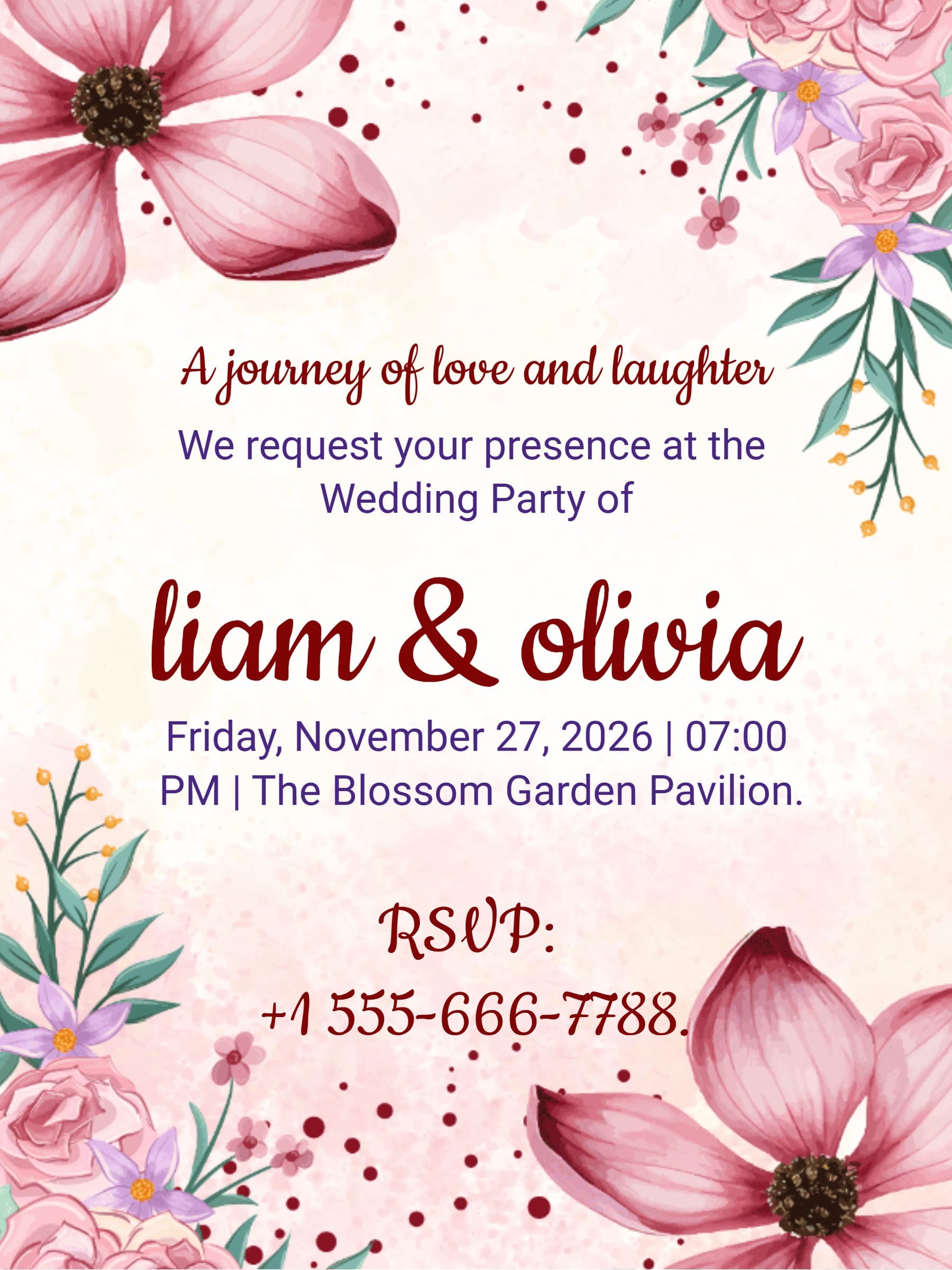
Free Digital Wedding Invitations with Online RSVP
Create stunning wedding invitations that reflect your love story — without the stress or expensive designers. With LovingEcards, you can design free wedding invitations online, customize elegant templates in minutes, and share them instantly via WhatsApp, email, or text.
Whether you are planning a grand traditional ceremony or an intimate destination wedding, our platform handles both the design and the guest list. Enjoy built-in RSVP tracking, eco-friendly delivery, and the option to download high-quality PDFs for printing.
Popular Wedding Invitation Styles (2026 Collection)
Every couple is unique. Browse our professionally designed templates to find your perfect match:
- Modern Minimalist: Clean lines, bold sans-serif fonts, and ample white space.
- Photo-Based: "Then & Now" layouts that showcase your engagement photos.
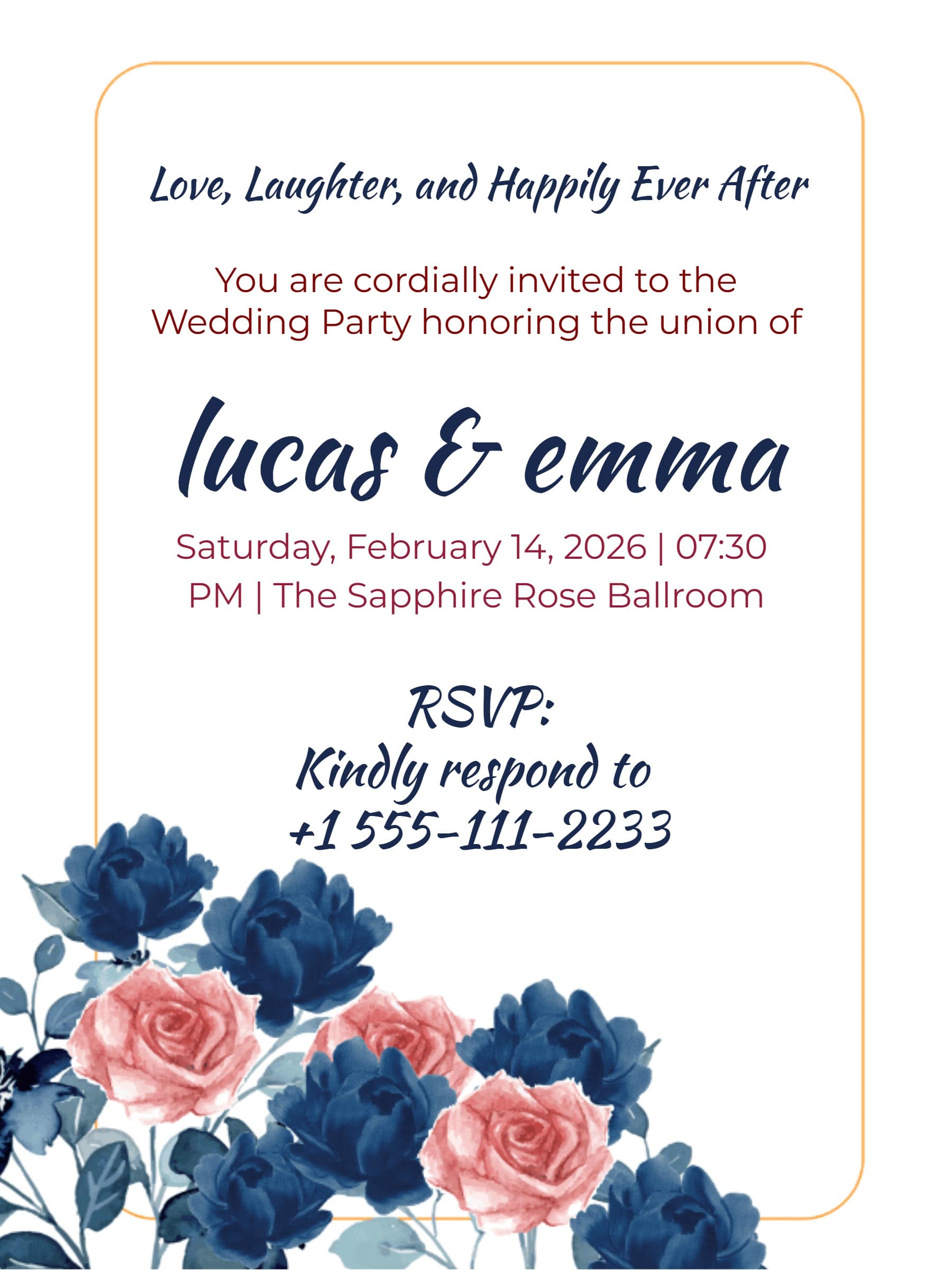
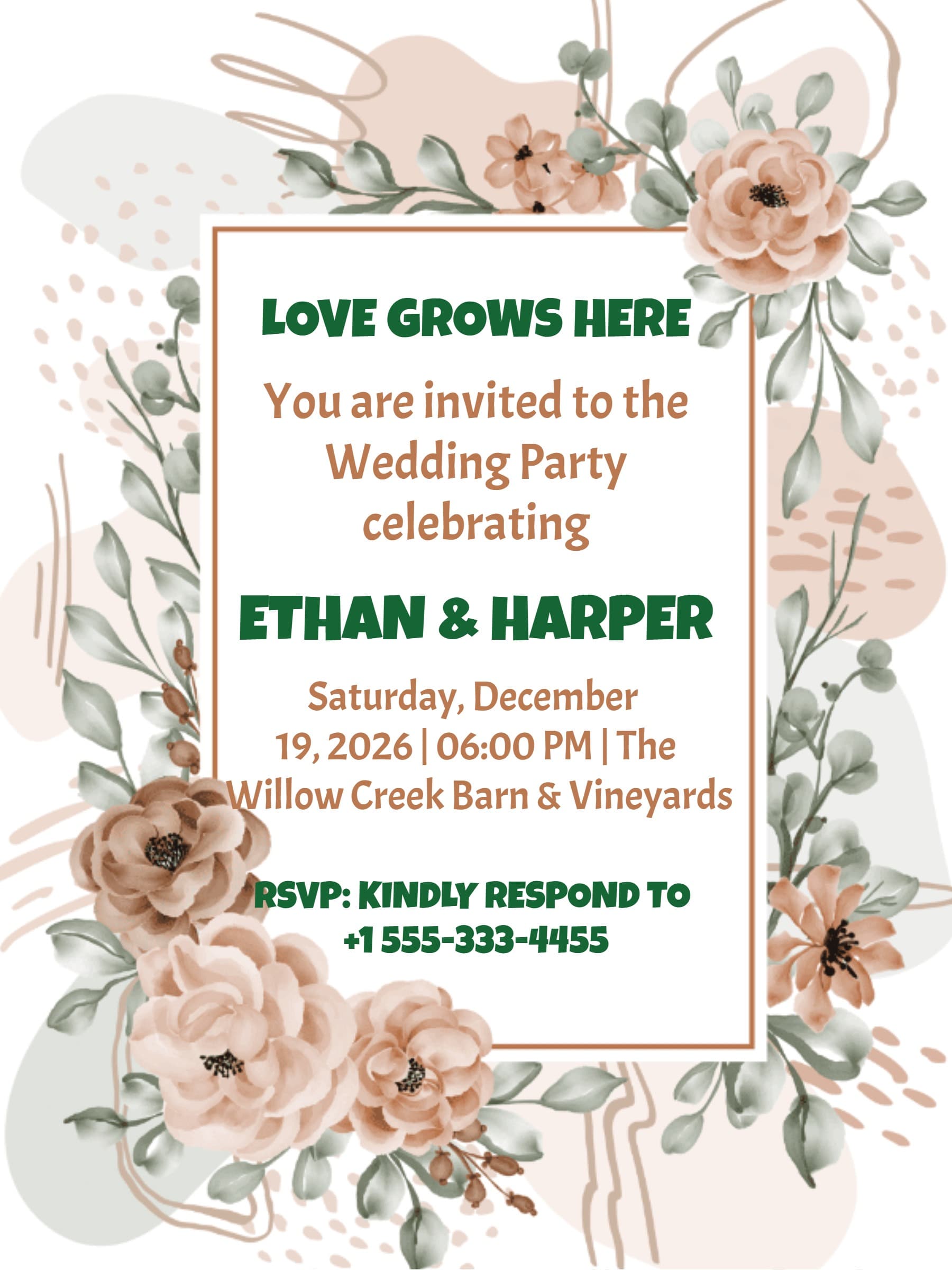
- Floral & Botanical: Romantic watercolor designs perfect for garden weddings.
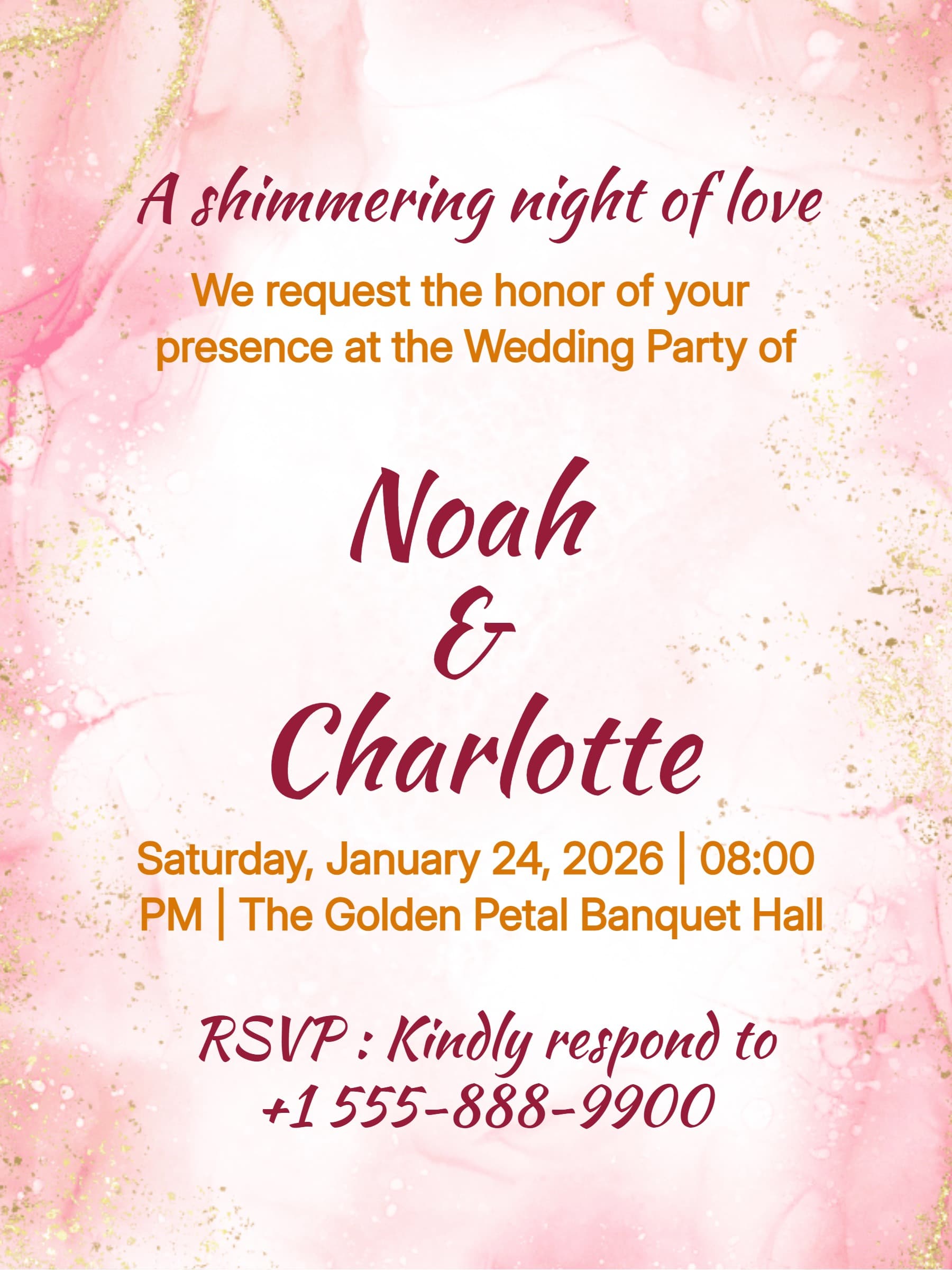
- Elegant & Classic: Timeless typography with gold or silver metallic accents.
- Tropical & Destination: Vibrant colors and beach-inspired motifs.
- Animated & Video: Motion designs that grab attention instantly on mobile.
How to Create Your Wedding Invitation
- Pick a Template: Browse the free designs, from rustic to luxury.
- Customize: Add your names, venue details, and custom questions (e.g., "Chicken or Fish?").
- Send & Track: Share by link, email or messaging apps.
- Stay Organized: Watch RSVPs update in real-time on your dashboard.
What to Include: Wording Guide
Keep it clear and beautiful. Ensure your invite includes:
- The Hosts: e.g., "Together with their families" or specific parent names.
- The Couple: Your names, front and center.
- The Details: Date, time, and full venue address.
- RSVP: Deadline and link — our system handles this automatically.
Sample Wording: "Together with their families, [Name] & [Name] invite you to celebrate their wedding on [Date] at [Time] at [Venue Name, Address]. Reception to follow. Please RSVP by [Date]."
Wedding Etiquette & Hosting Tips
- When to Send: For local weddings, send invites 6–8 weeks in advance. For destination weddings, send them 3–4 months ahead.
- RSVP Deadlines: Set your deadline 3 weeks before the wedding to finalize catering numbers.
- Gift Registries: Include a registry or wedding website link directly on your digital invite page.
Save the Dates: When to Send Them and What to Say
A save the date is the short note that goes out before the invitation. It asks guests to keep the day free and nothing more, so it only needs your names, the date and the town or city. Leave the venue, timings and dress code for the invitation itself.
Send save the dates six to eight months ahead for a wedding close to home. For a destination wedding, or a date that falls on a holiday weekend, eight to twelve months gives guests time to book travel and arrange leave. Anyone who receives a save the date should also receive an invitation, so finalise the guest list first.
You do not need a separate product for this. Pick any wedding design here, keep the wording to one line such as “Save the date: Priya & Daniel, 14 June 2027, Lisbon. Invitation to follow.”, and share the link. When the details are settled, send the full invitation in the same style so the two feel like a set.
Collecting Wedding RSVPs Online
Paper reply cards get lost, arrive late and have to be typed into a spreadsheet by hand. With an online RSVP, each guest opens the invitation, answers on their phone and the reply lands in your guest list straight away. Guests do not need an account or an app.
- Ask what your caterer needs to know. Add your own questions to the reply form, for example a meal choice or dietary requirements.
- Decide on plus-ones before you send. Say clearly who is invited, and allow additional guests only where you mean to.
- Set the reply deadline three to four weeks before the wedding. That leaves time to chase the last few replies before the venue needs final numbers.
- Put the practical details on the same page. The order of the day, a gift registry link and an add-to-calendar button save guests from asking.
A week before the deadline, look at who has not replied and send them the link again with a short personal note. Most late replies are simply forgotten, not declined.
A Wedding Invitation Timeline
- 8 to 12 months before: save the dates for destination weddings.
- 6 to 8 months before: save the dates for local weddings.
- 3 to 4 months before: invitations for destination weddings.
- 6 to 8 weeks before: invitations for local weddings.
- 3 to 4 weeks before: RSVP deadline.
- 2 weeks before: final numbers to the venue and caterer.
Digital or Printed Wedding Invitations?
Printed invitations suit couples who want something guests can hold and keep, and they are still the easier choice for older relatives who do not use email or messaging apps. They cost more, take weeks to produce and cannot be corrected once they are in the post.
A digital invitation can be sent the day you finish it, updated if the venue or time changes, and it collects replies for you. Many couples do both: a small printed run for close family and a digital invitation for everyone else. Whichever you choose, use the same names, wording and colours so every guest gets the same impression of the day.
Why Choose LovingEcards?
- 100% free wedding invitation templates
- No apps needed — guests RSVP without accounts
- Custom RSVP questions, plus-ones and a gift registry link
- Eco-friendly digital delivery
Planning Your Wedding Journey?
We have matching templates for every step of your wedding celebration:
- Engagement Party Invitations — share the big news first
- Bridal Shower Invitations — celebrate the bride-to-be
- Bachelorette Party Invitations — plan the ultimate night out
- Birthday Invitations — celebrate loved ones all year round