Free Online Baby Shower Invitations & Templates
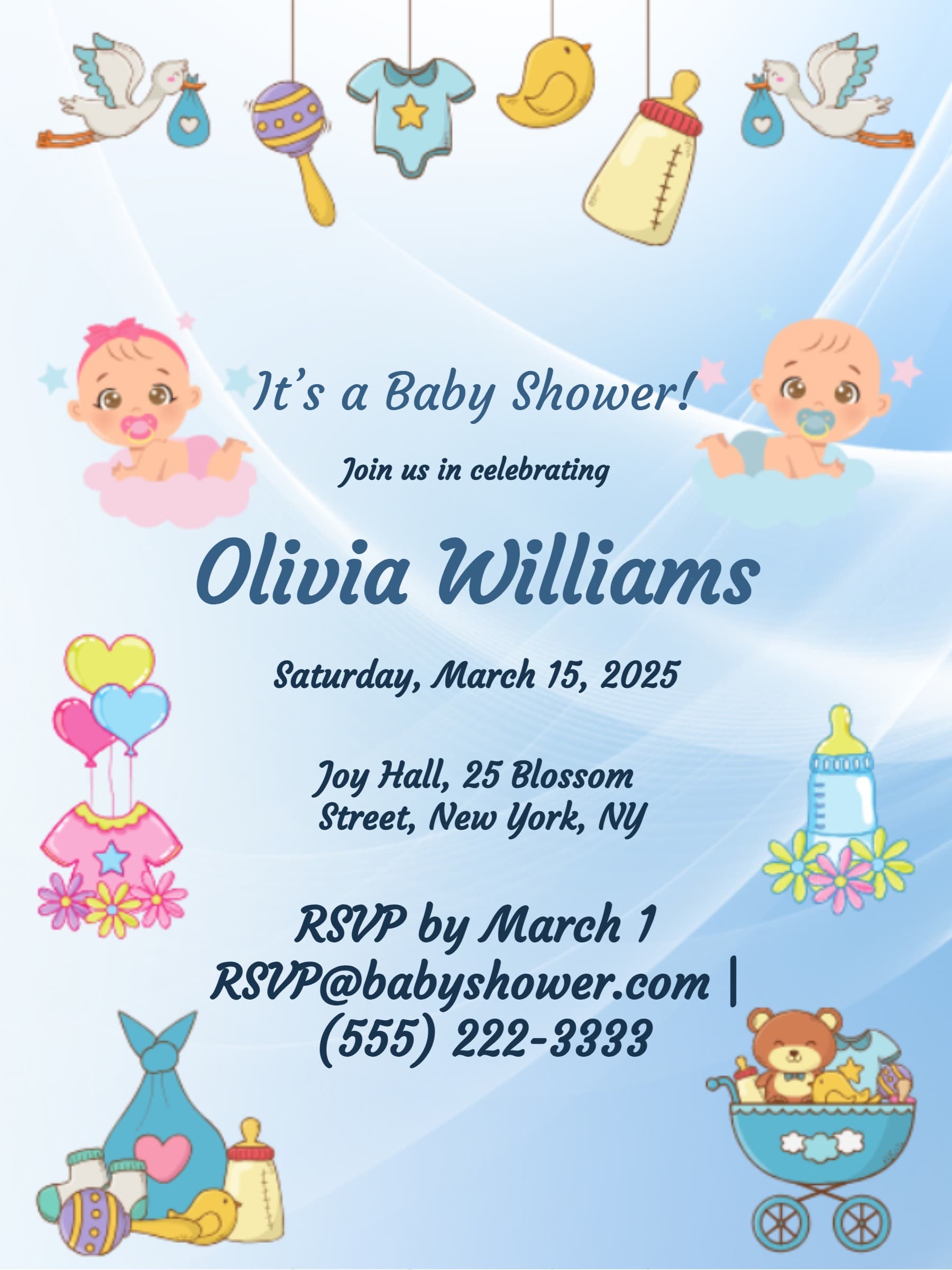
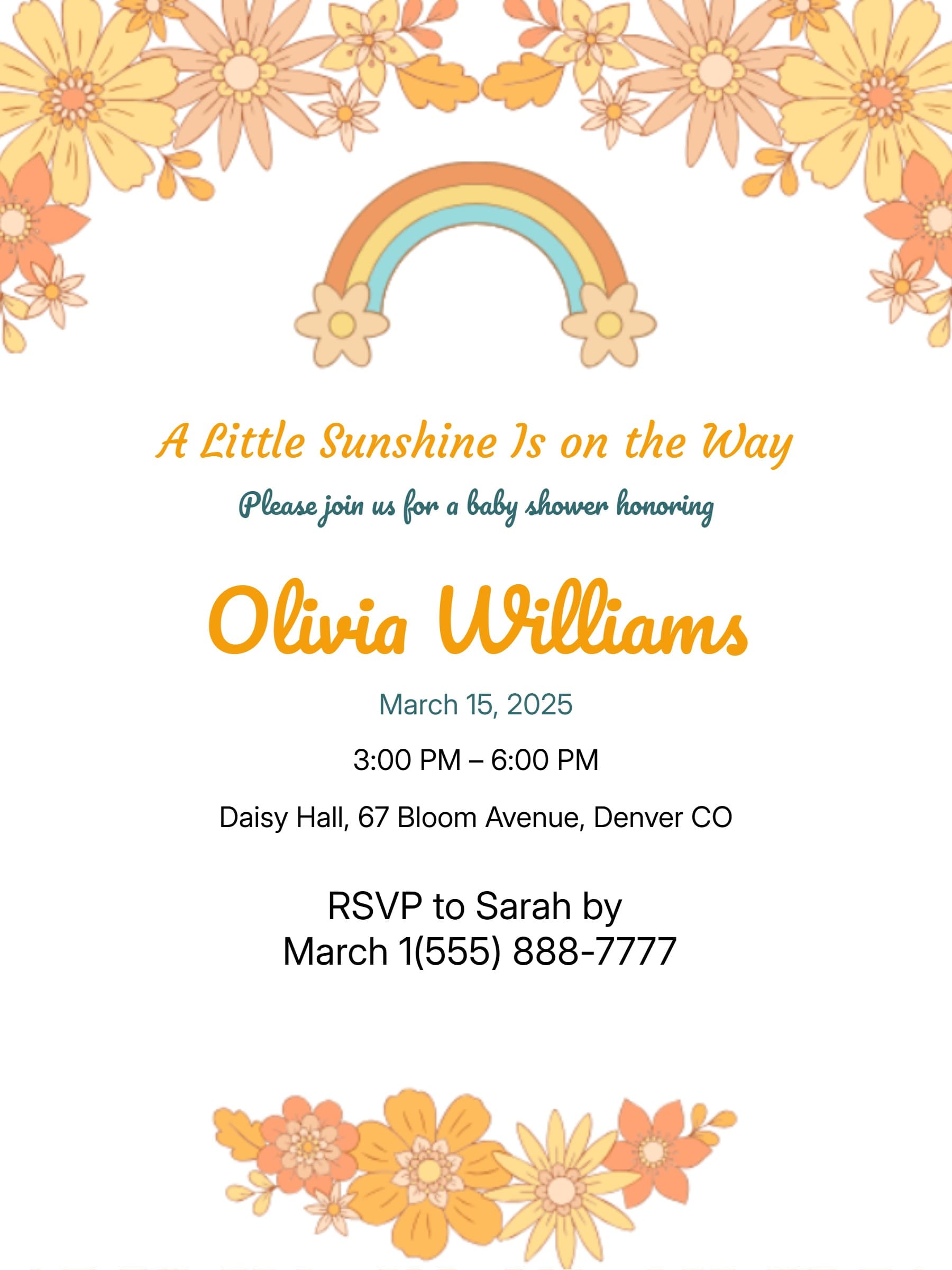
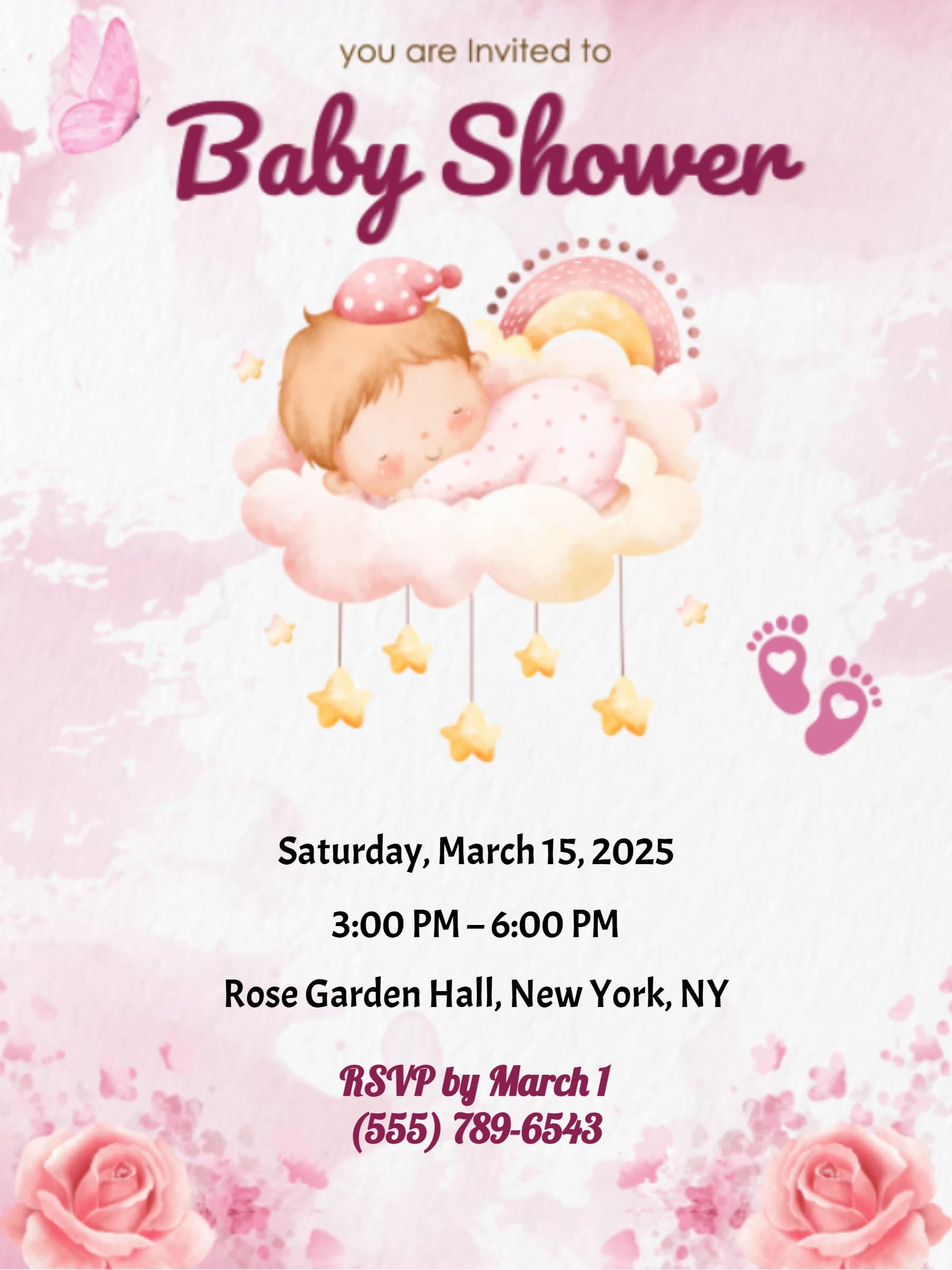
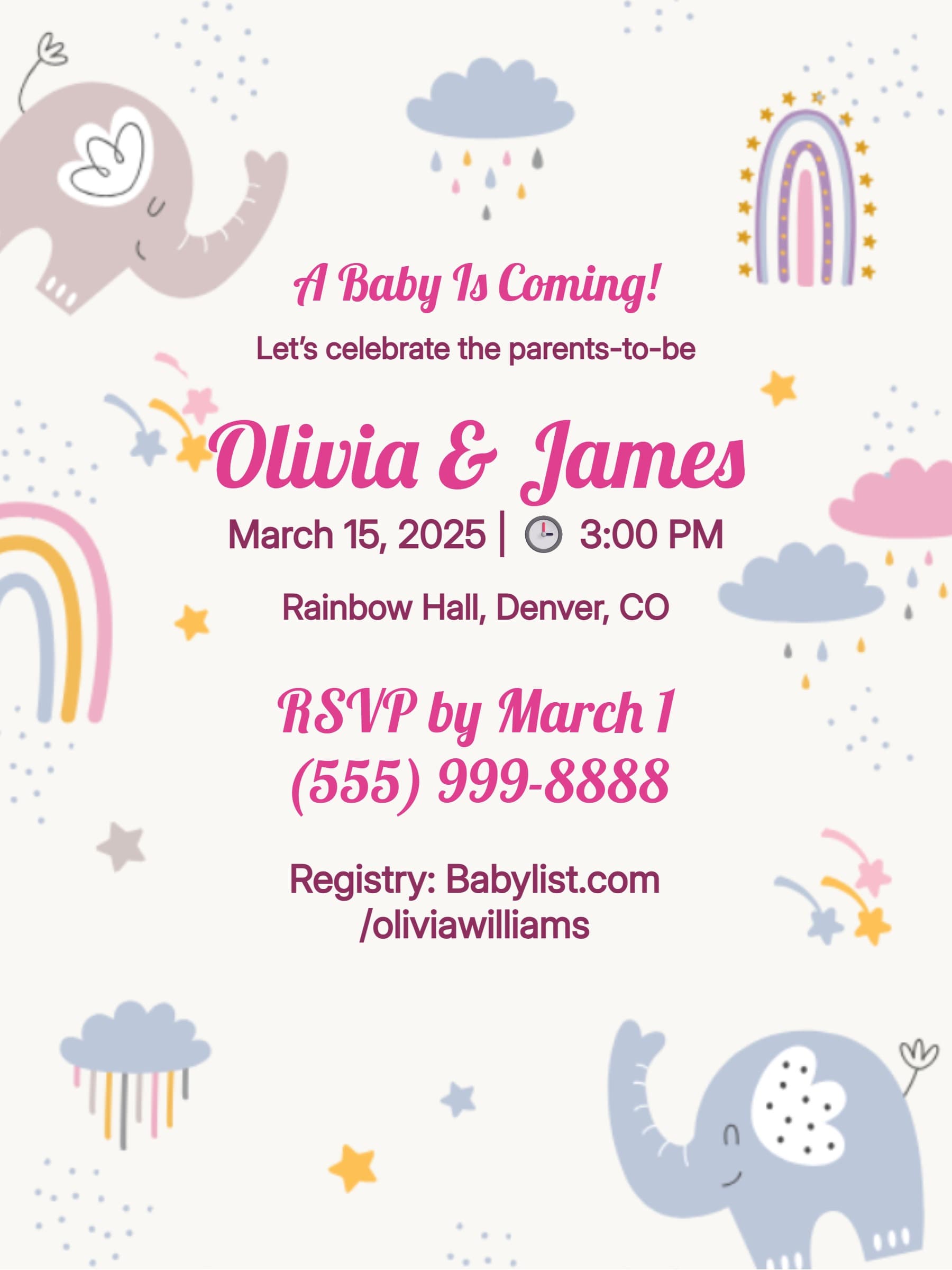
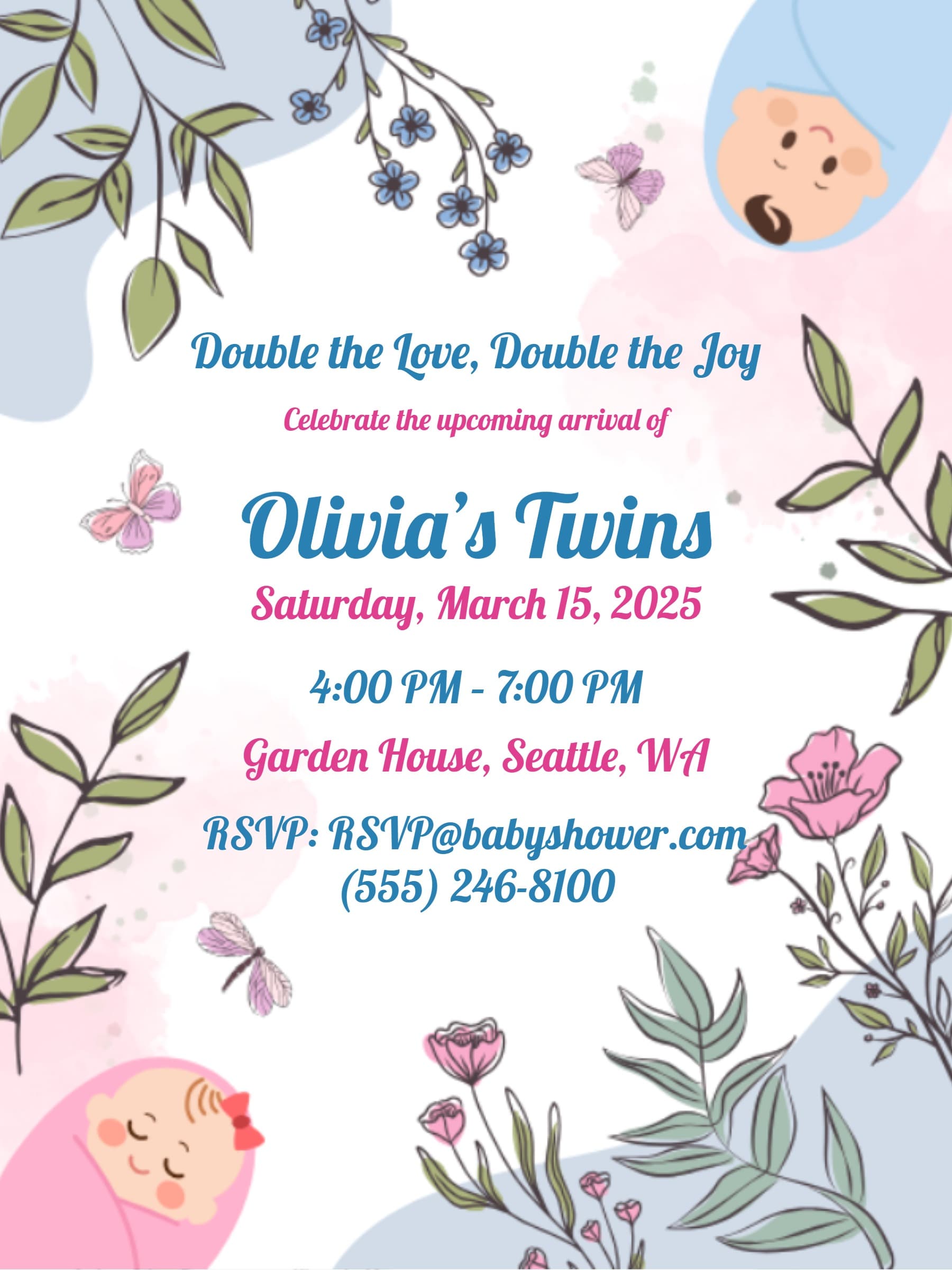
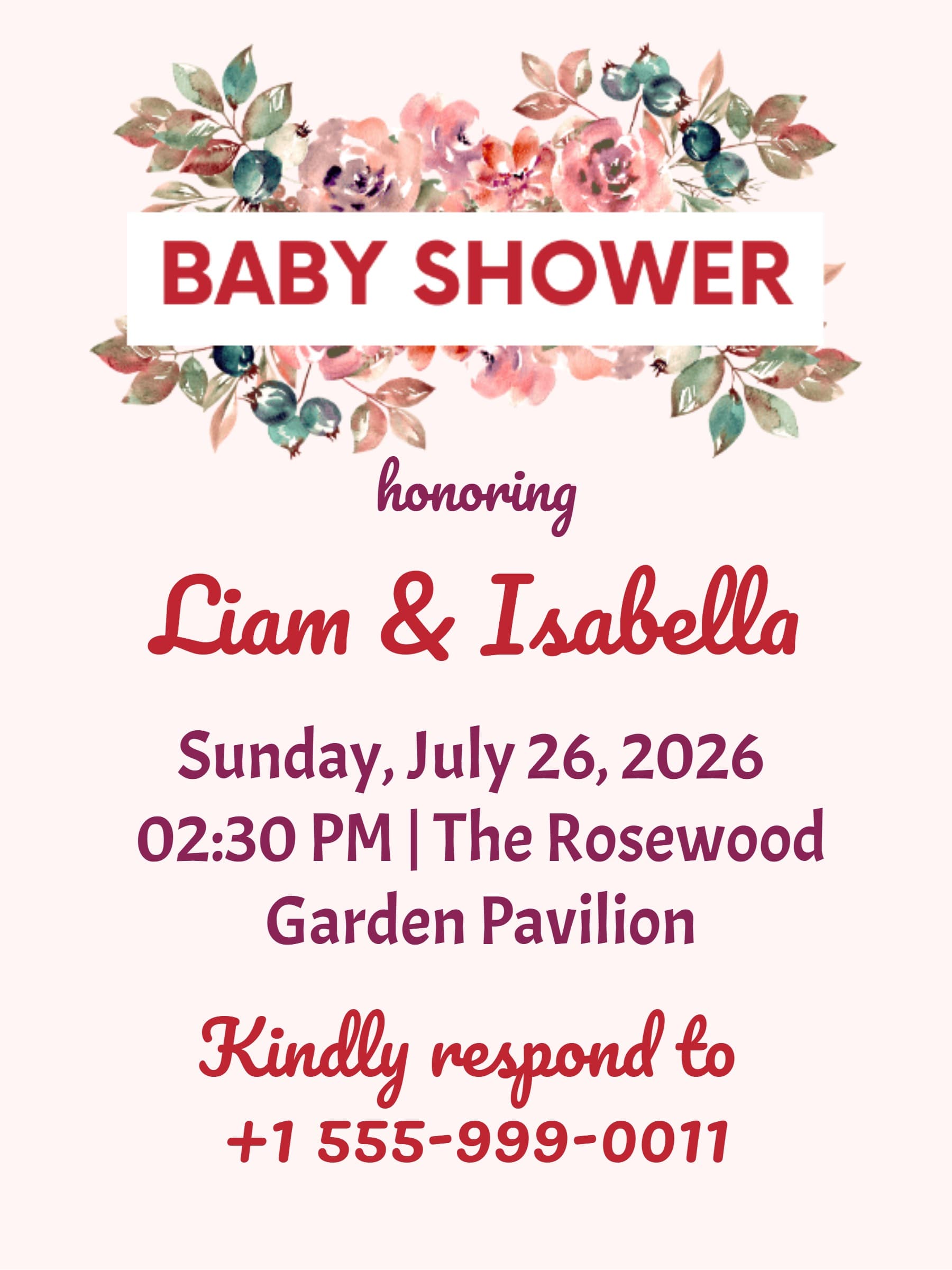
Celebrate the upcoming arrival with free baby shower invitations from LovingEcards. Whether you are hosting a "Baby in Bloom" brunch, a rustic woodland gathering, or a gender-neutral sprinkle, our invitation maker helps you design adorable e-invites in minutes.
Customize elegant templates, add registry links, and share instantly via WhatsApp, email, or text. Enjoy built-in RSVP tracking and eco-friendly delivery — no stamps or design skills required.
Popular Baby Shower Themes
Every baby shower has its own charm. Explore our most loved design collections:
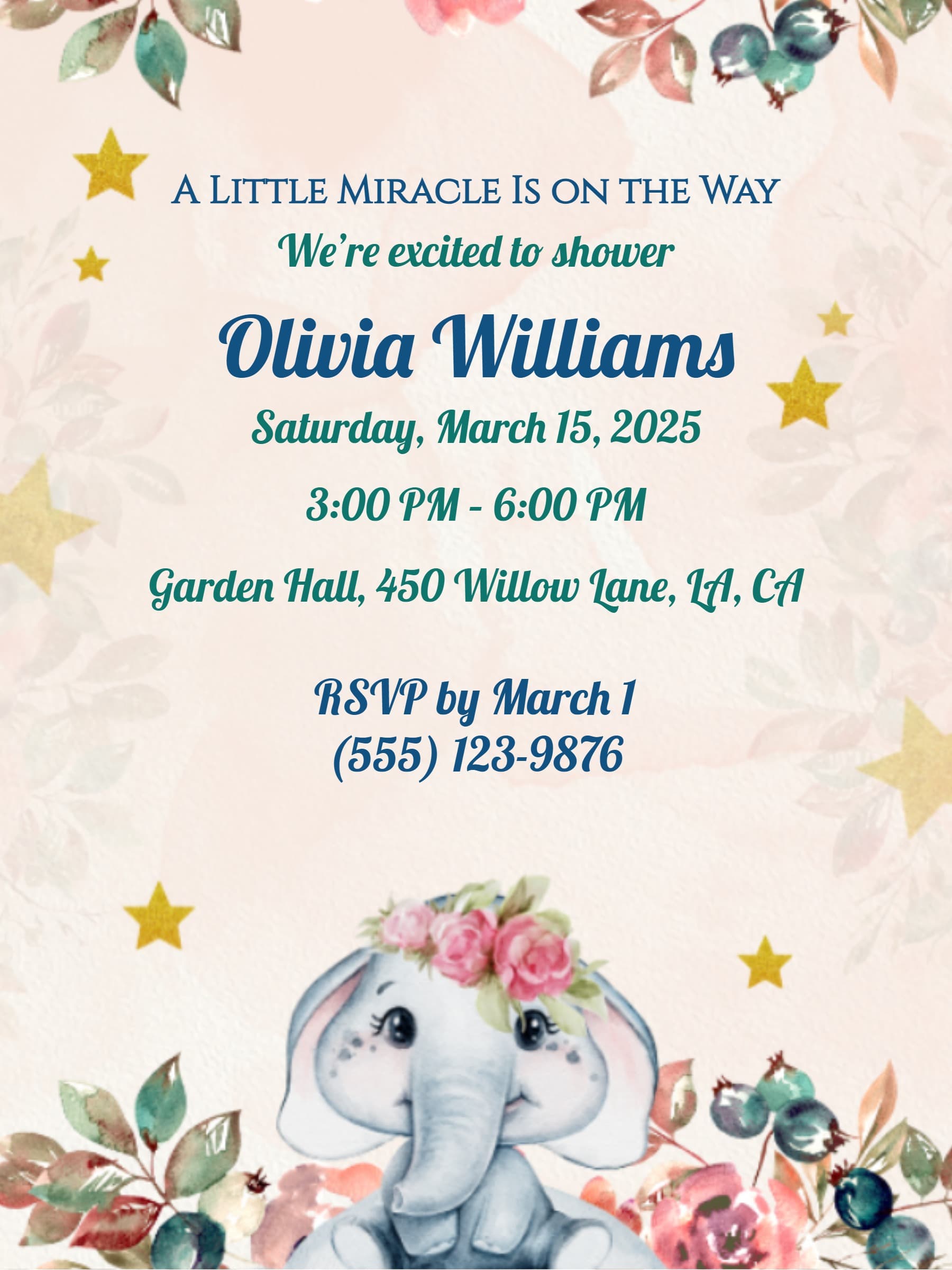
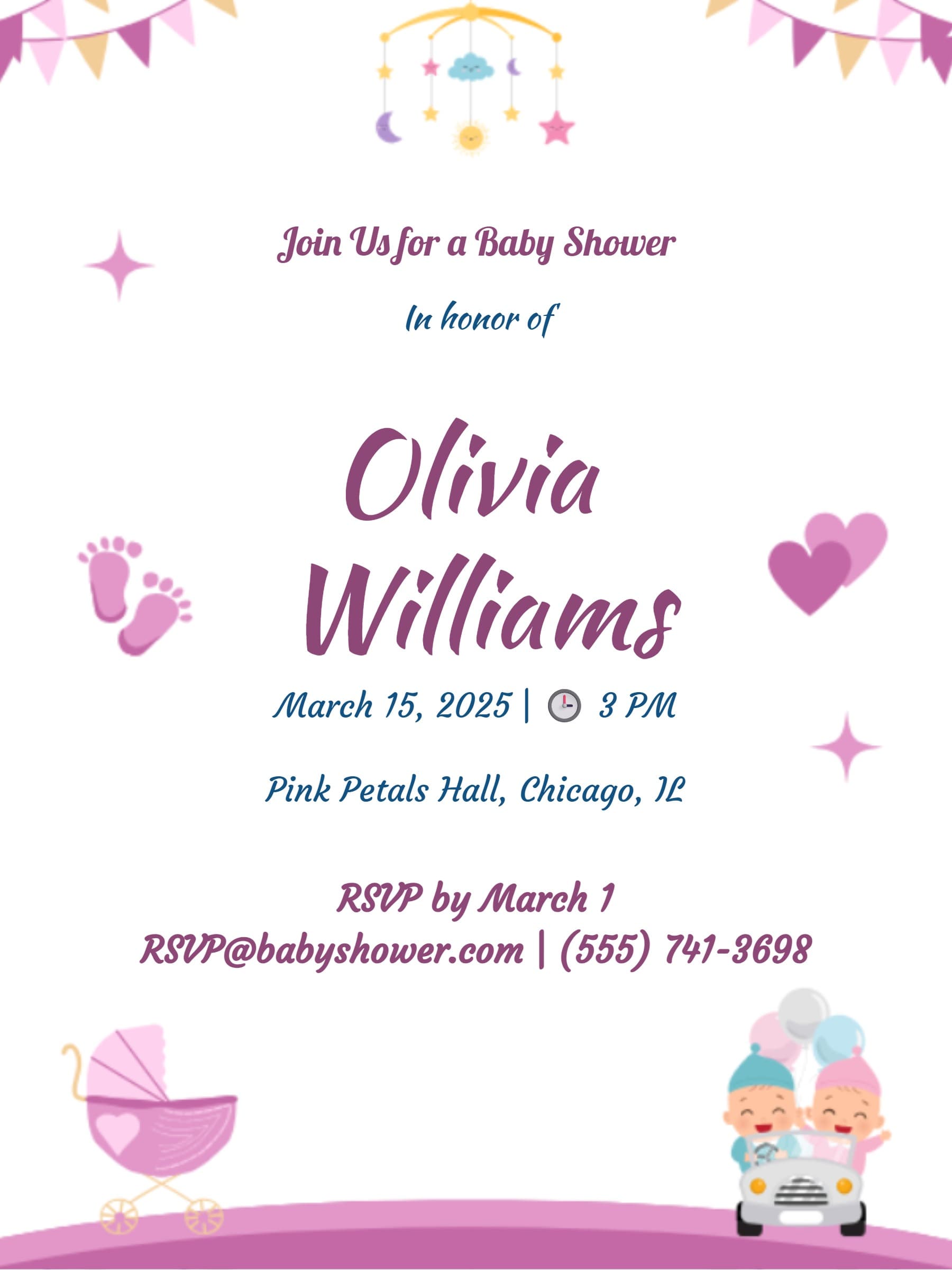
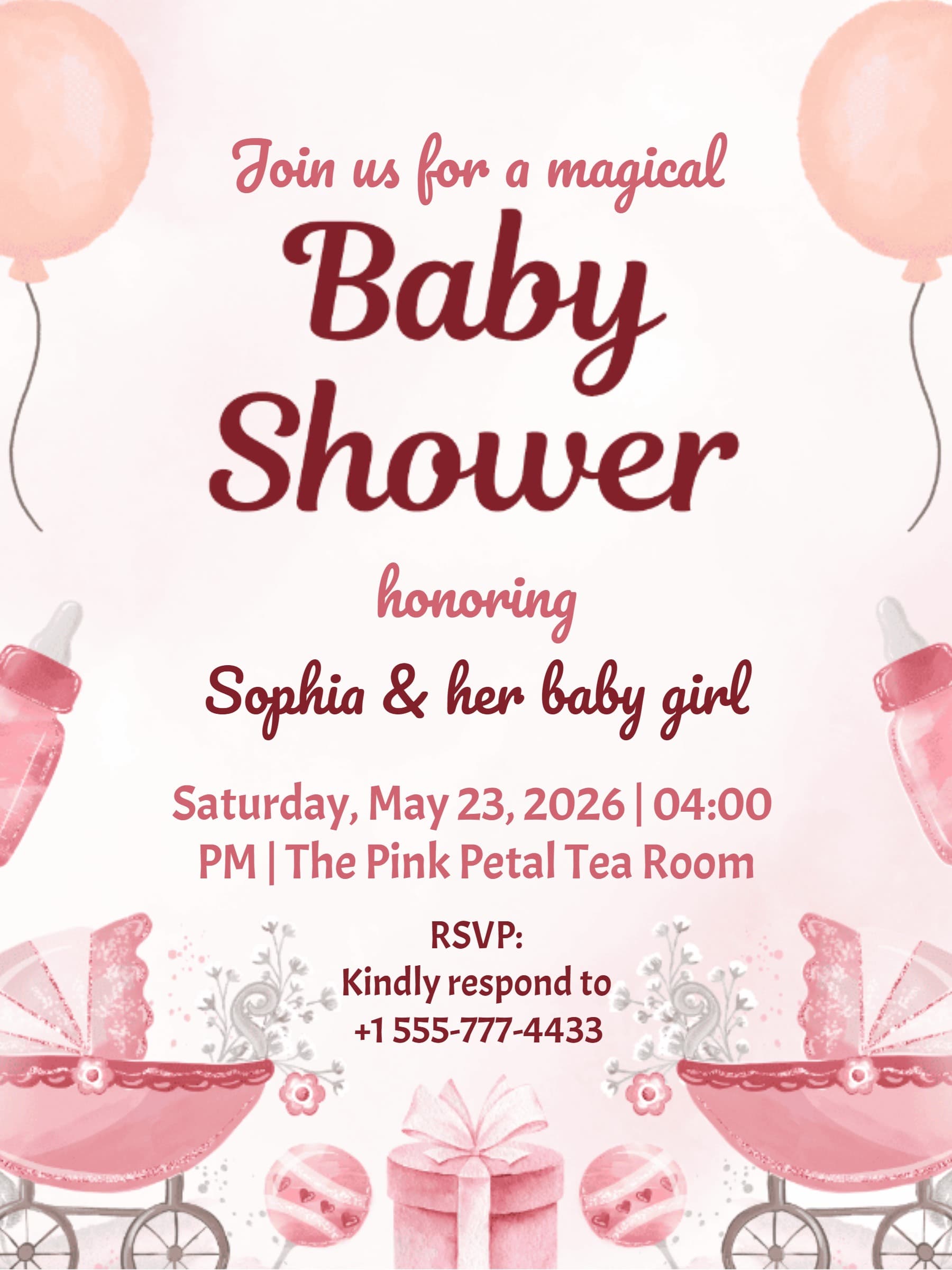
- Baby in Bloom: Soft florals and pastel pinks for a sweet spring celebration.
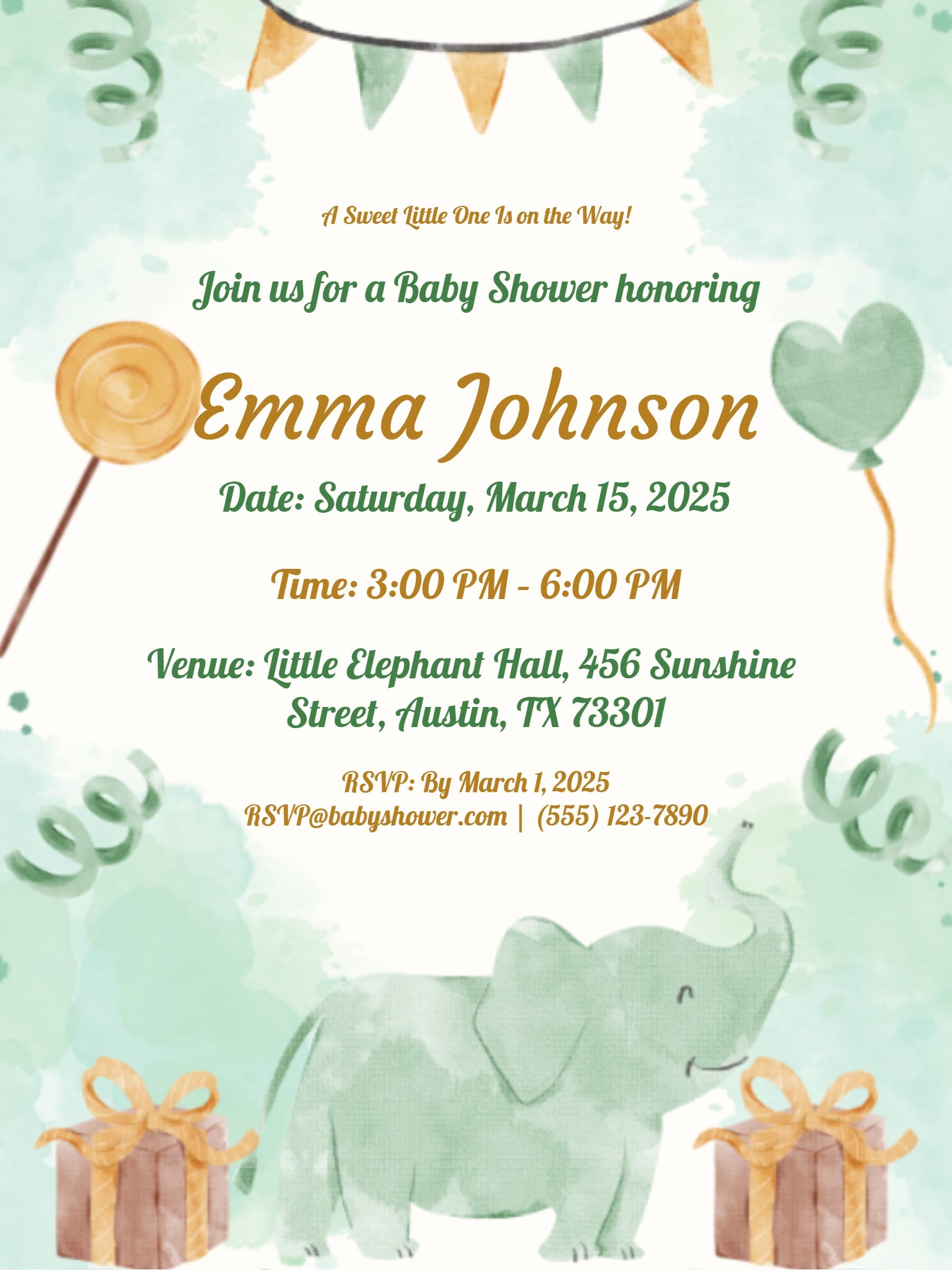
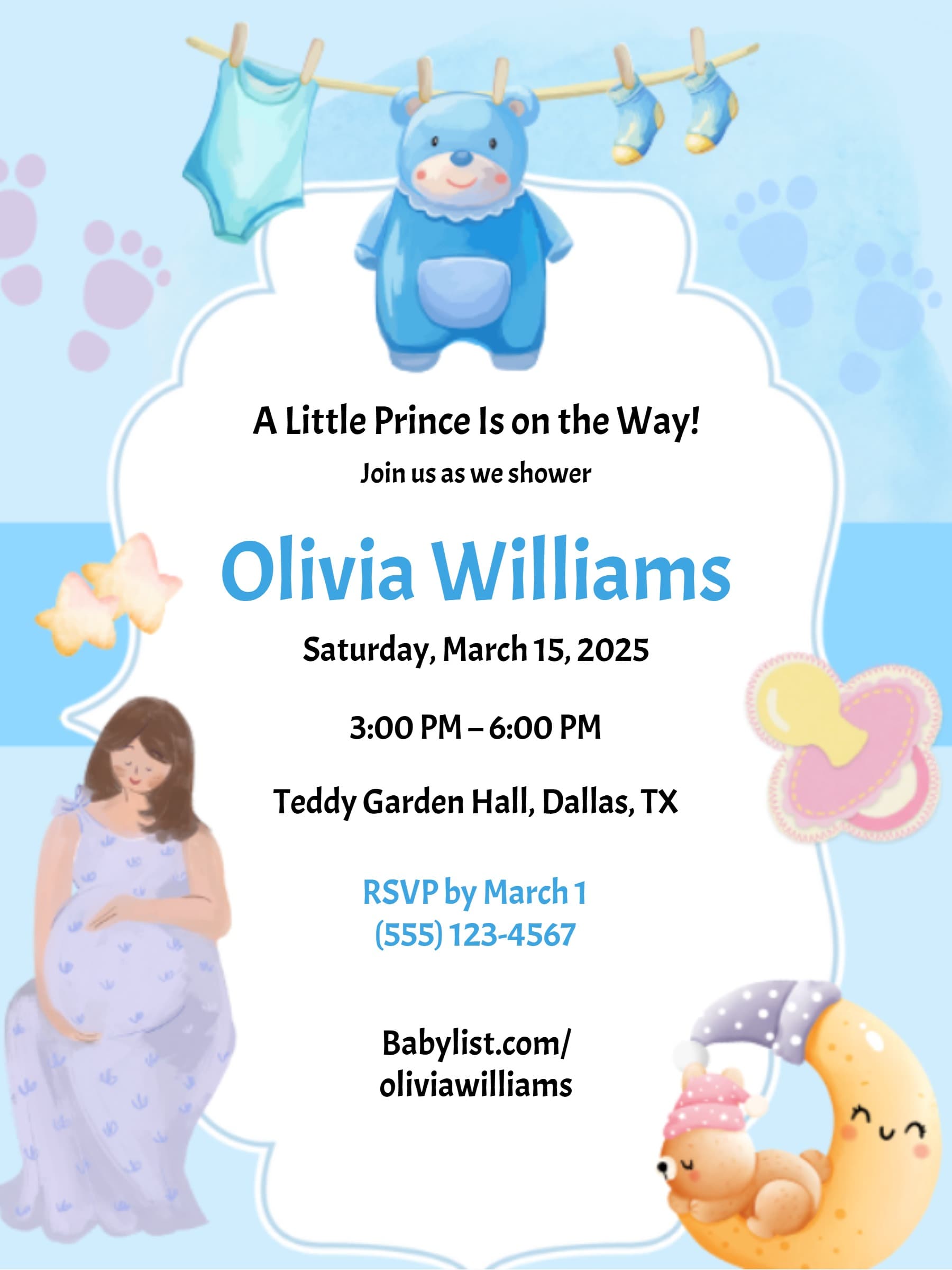
- Woodland & Safari: Forest animals, greenery, and rustic textures — perfect for boys.
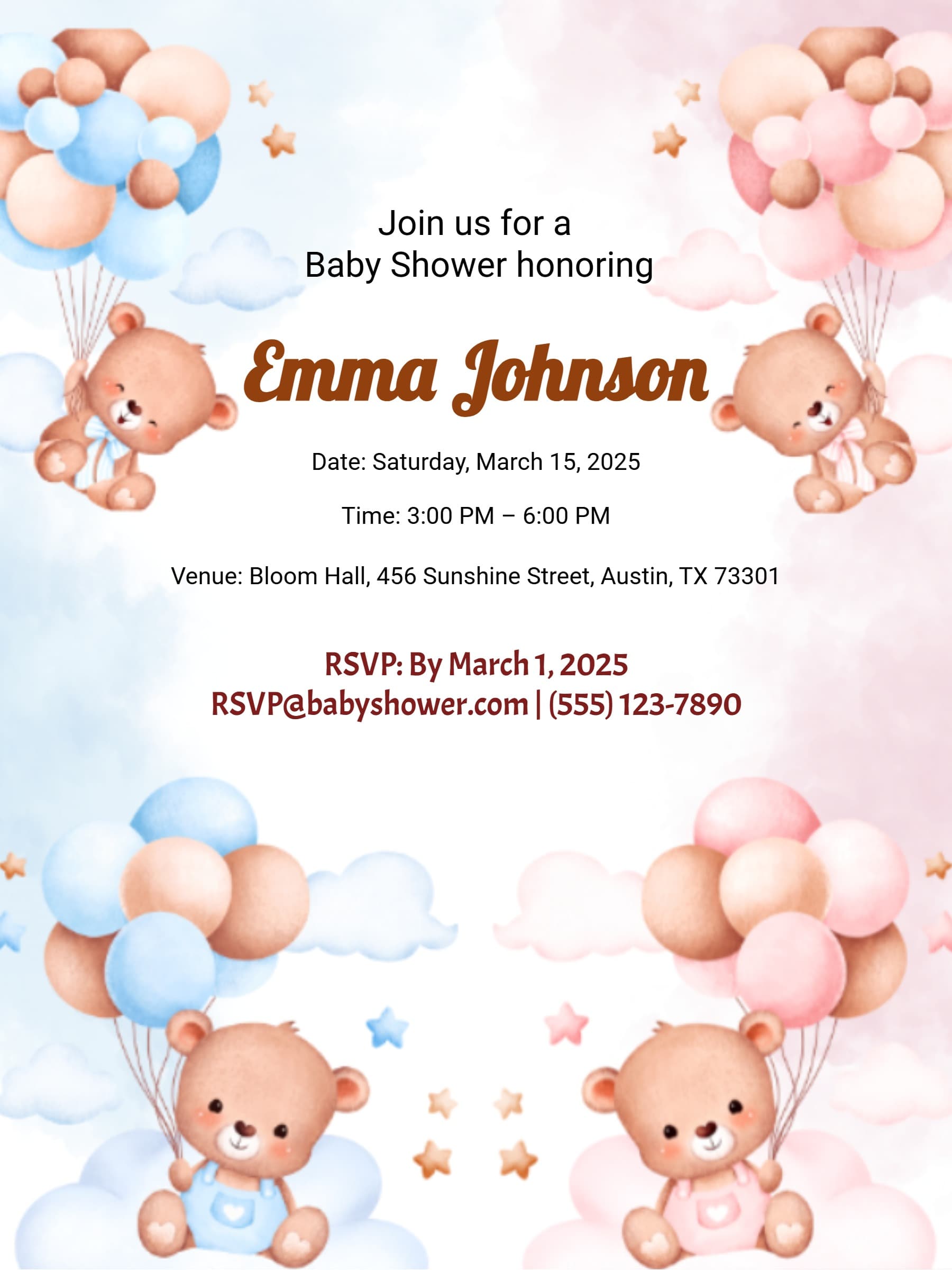
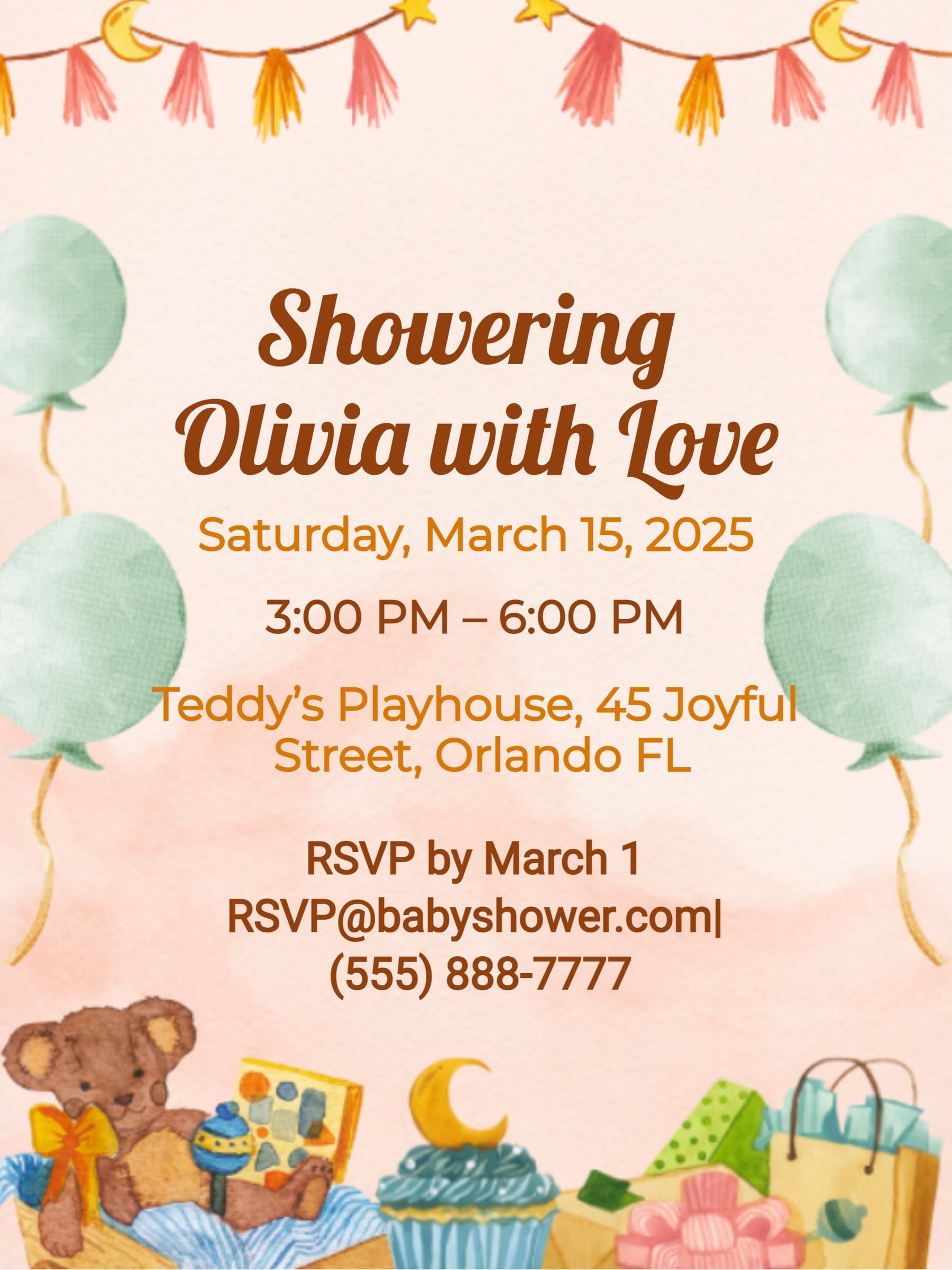
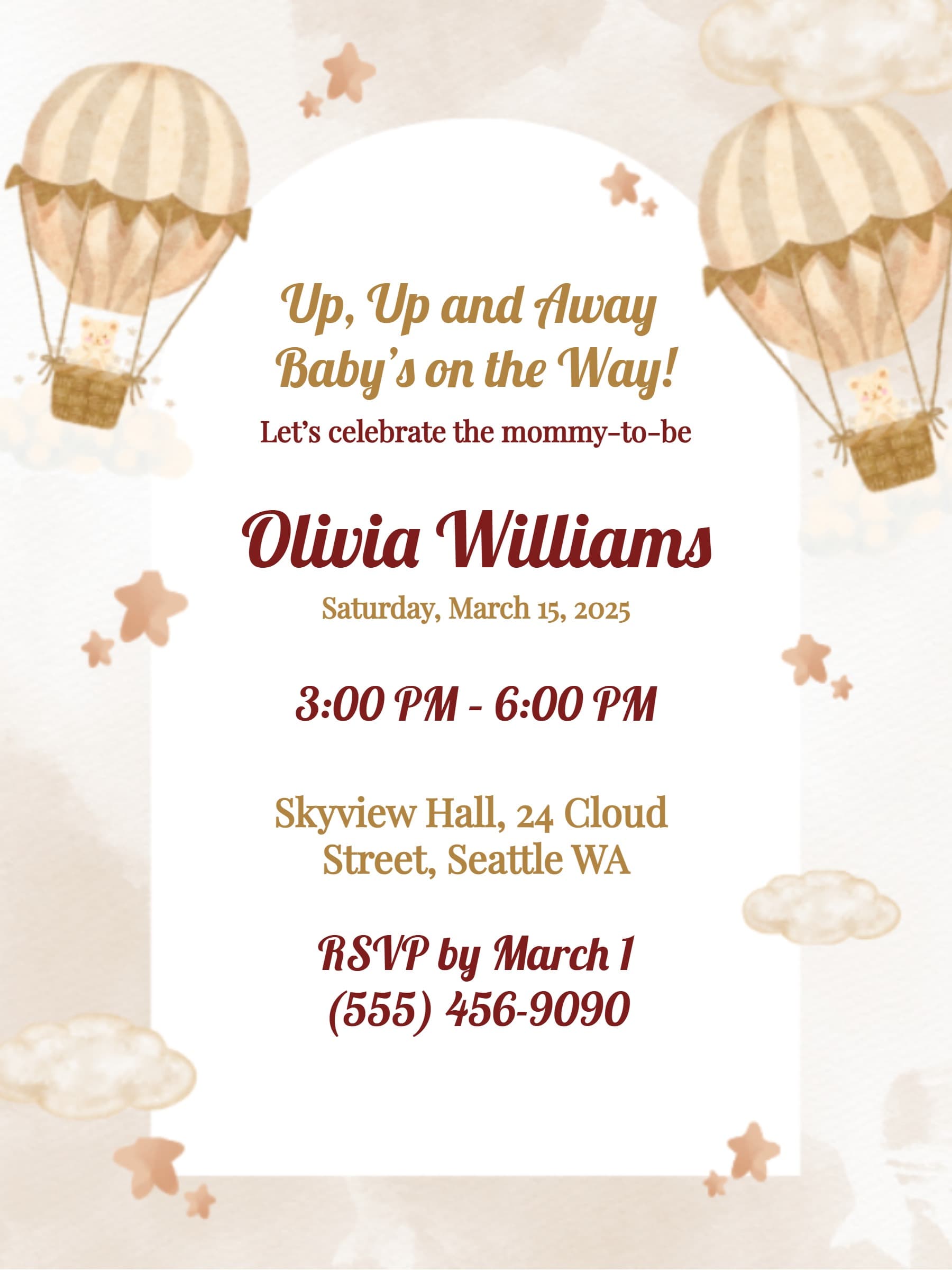
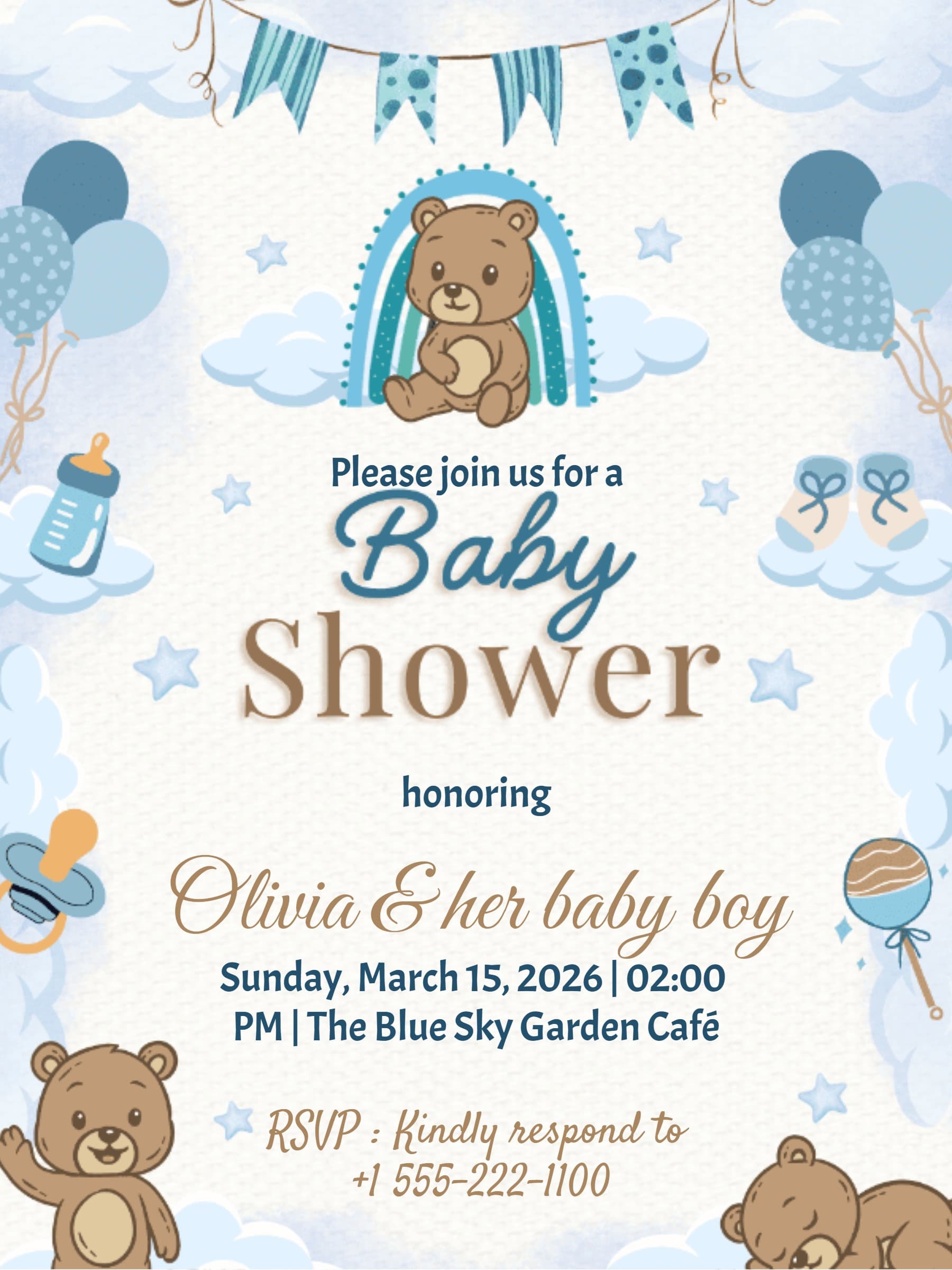
- Teddy Bear: Cute, cozy, and timeless designs for a warm "We Can Bearly Wait" theme.
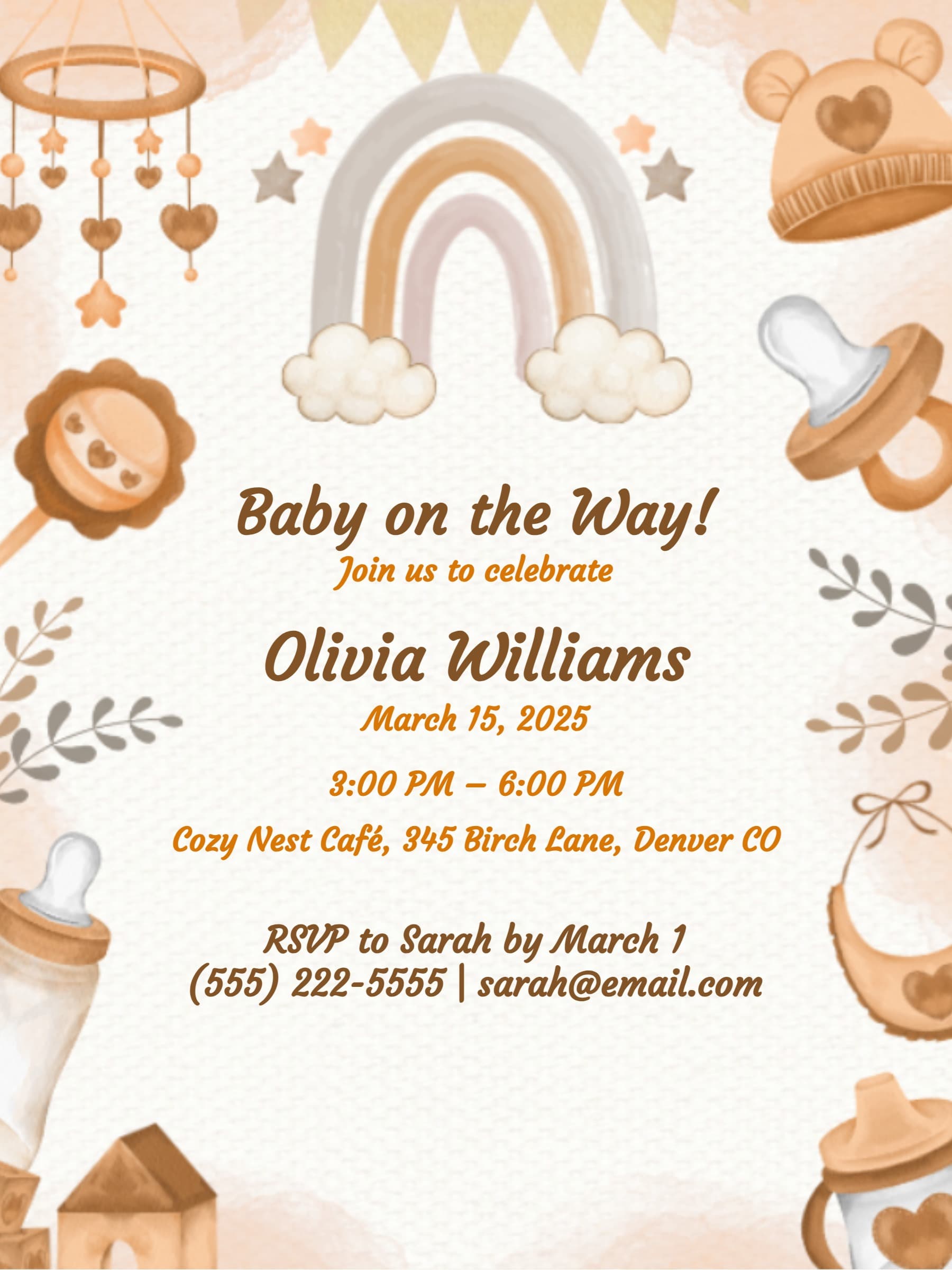
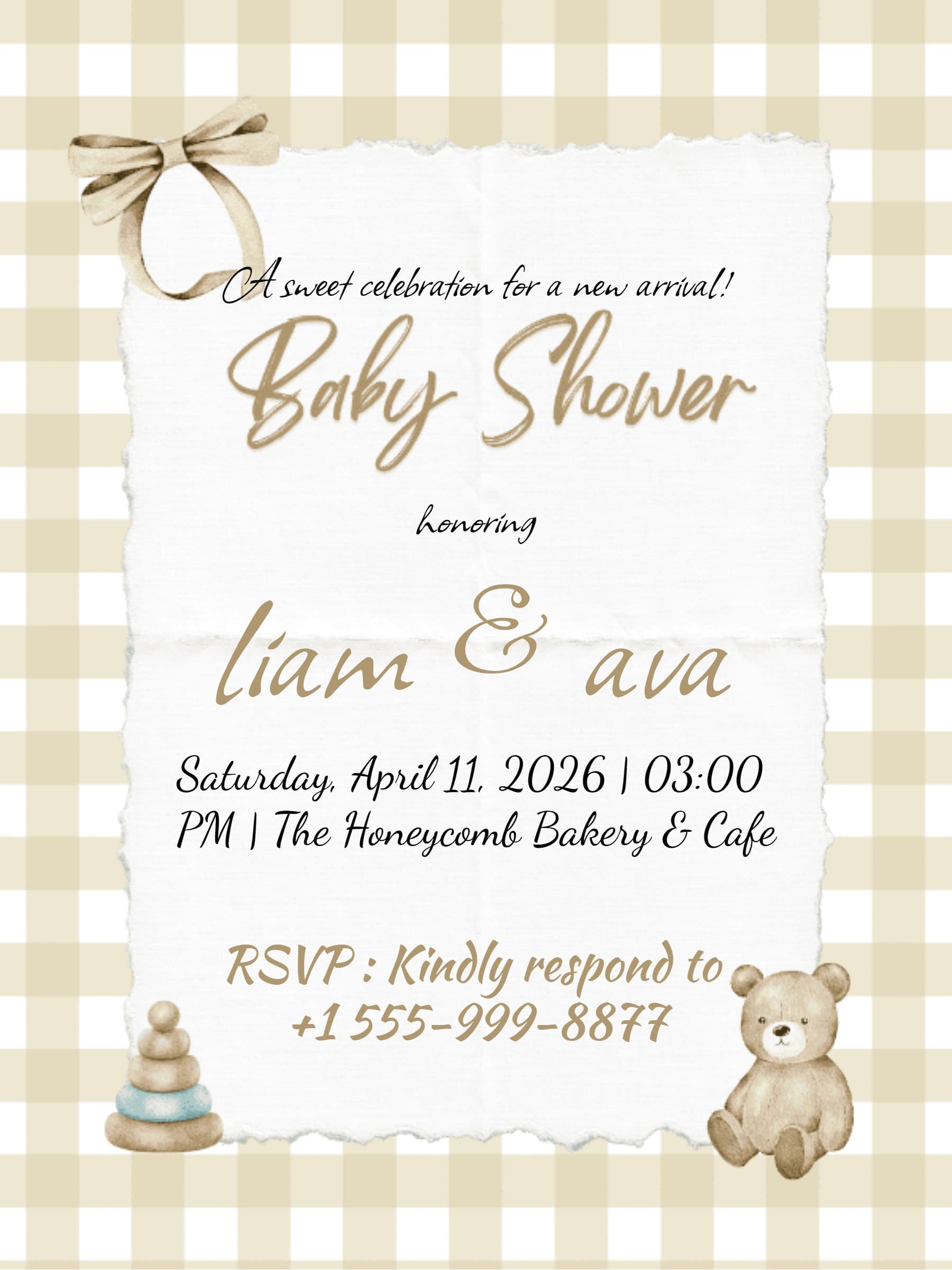
- Gender Neutral: Soft beige, sage green, and minimalist typography for surprise reveals.
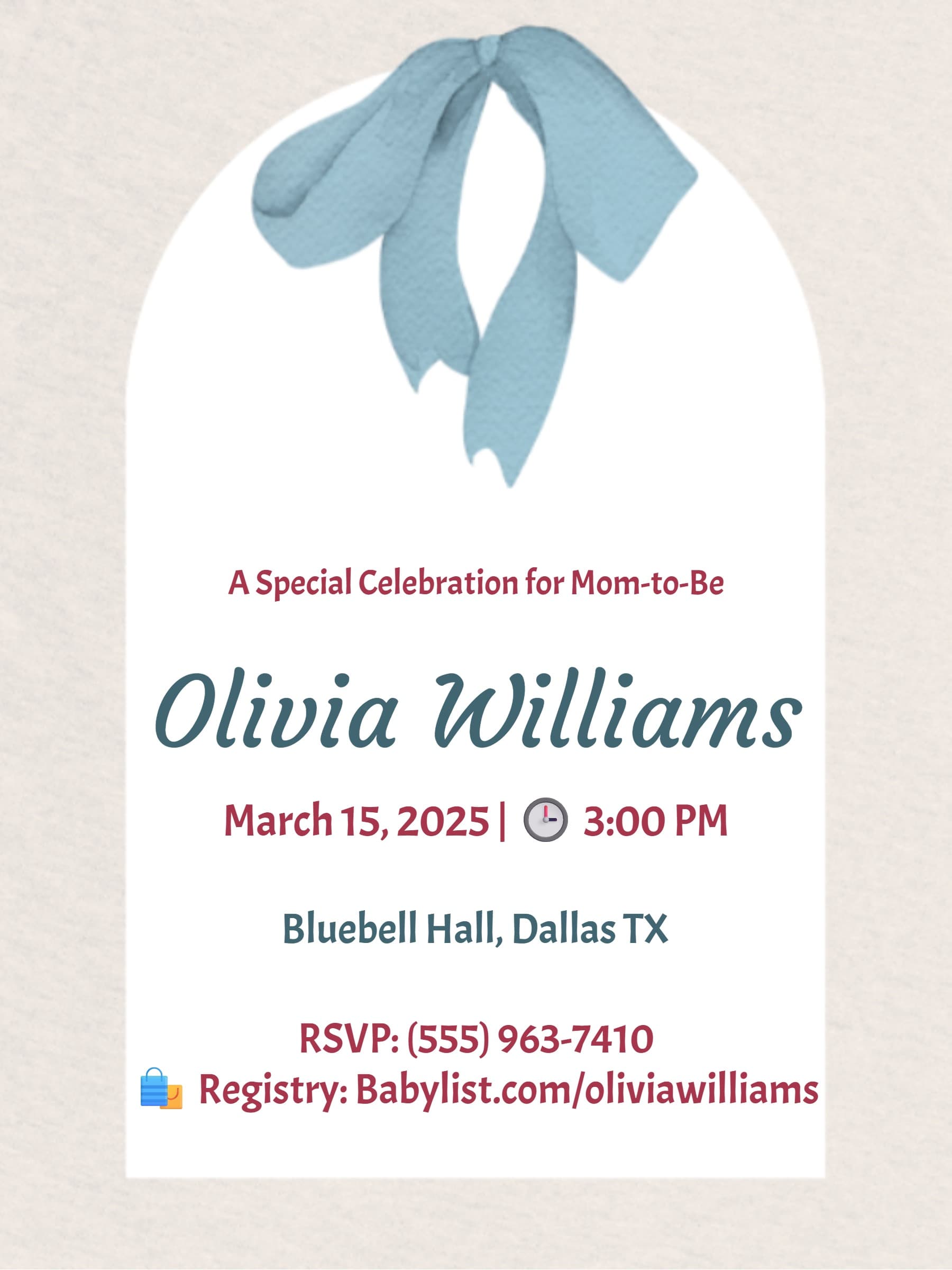
- Modern Chic: Clean lines and bold fonts for the contemporary mom-to-be.
How to Create Your Baby Shower Invitation
- Pick a Template: Browse hundreds of free designs by theme or color.
- Customize: Add the mom-to-be’s name, date, venue, and registry links.
- Send & Track: Share via unique link, QR code, or messaging apps.
- Download: Get a high-quality PDF if you want a physical keepsake for the baby book.
What to Include: Wording Guide
Keep it sweet and clear. Ensure your invite includes:
- The Honoree: Name of the mom-to-be (or parents).
- The Event: Specify if it is a shower, sprinkle, or gender reveal.
- Registry Info: Include direct links to gift registries.
- RSVP: Deadline and link — our system handles this automatically.
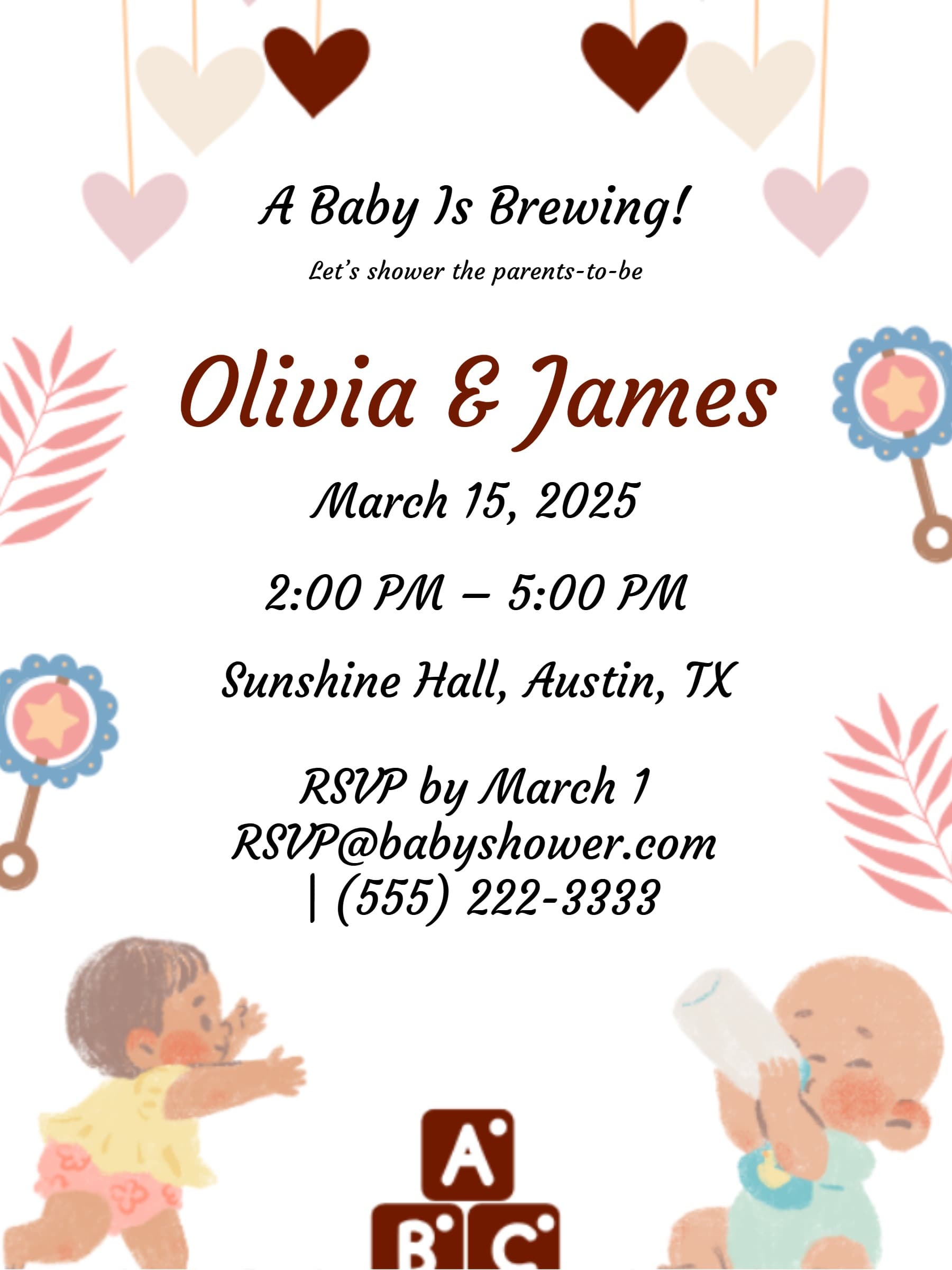
Sample Wording: "Join us to celebrate [Mom's Name] as we shower her with love! [Date] at [Time] — [Venue Name & Address]. Registered at Amazon & Target. Please RSVP by [Date]."
Hosting Tips & Etiquette
- When to Send: Send invitations 4–6 weeks in advance so guests have time to shop.
- Surprise Parties: Clearly mark "Surprise" on the design so guests keep the secret.
- Who Is Invited: Traditionally close friends and family, but modern showers may be co-ed.
Why Choose LovingEcards?
- 100% free baby shower invitation templates
- Registry-friendly with clickable gift links
- Mobile-ready designs for easy WhatsApp sharing
- Eco-friendly paperless invitations
Planning the Baby Journey?
We are here for every milestone. Explore matching invitation designs:
- Bridal Shower Invitations — celebrate the bride-to-be
- First Birthday Invitations — plan ahead for baby’s big one
- Anniversary Invitations — celebrate family milestones
Frequently Asked Questions
Can I add my ultrasound photo?Yes. Upload your own photos directly into our photo-based templates.
Is it rude to put registry links on the invite?Not anymore. Modern digital invites make registry links convenient for guests.
Can I print these templates?Yes. Download a high-resolution PDF to print at home or at a local shop.
How do I track who is coming?Your LovingEcards dashboard updates in real time when guests respond.