











Holiday Party Invitations You Can Send in Minutes
Pick a design, add the details, share a link—done. With LovingEcards, your holiday party invitation looks great on any phone or laptop, RSVPs land in one place, and friendly reminders keep guests on track. From a cozy cookie swap to the office celebration—or a full-on Christmas party invitation—you’ll send a polished invite in minutes.
Pick a Style (6 clear favorites)
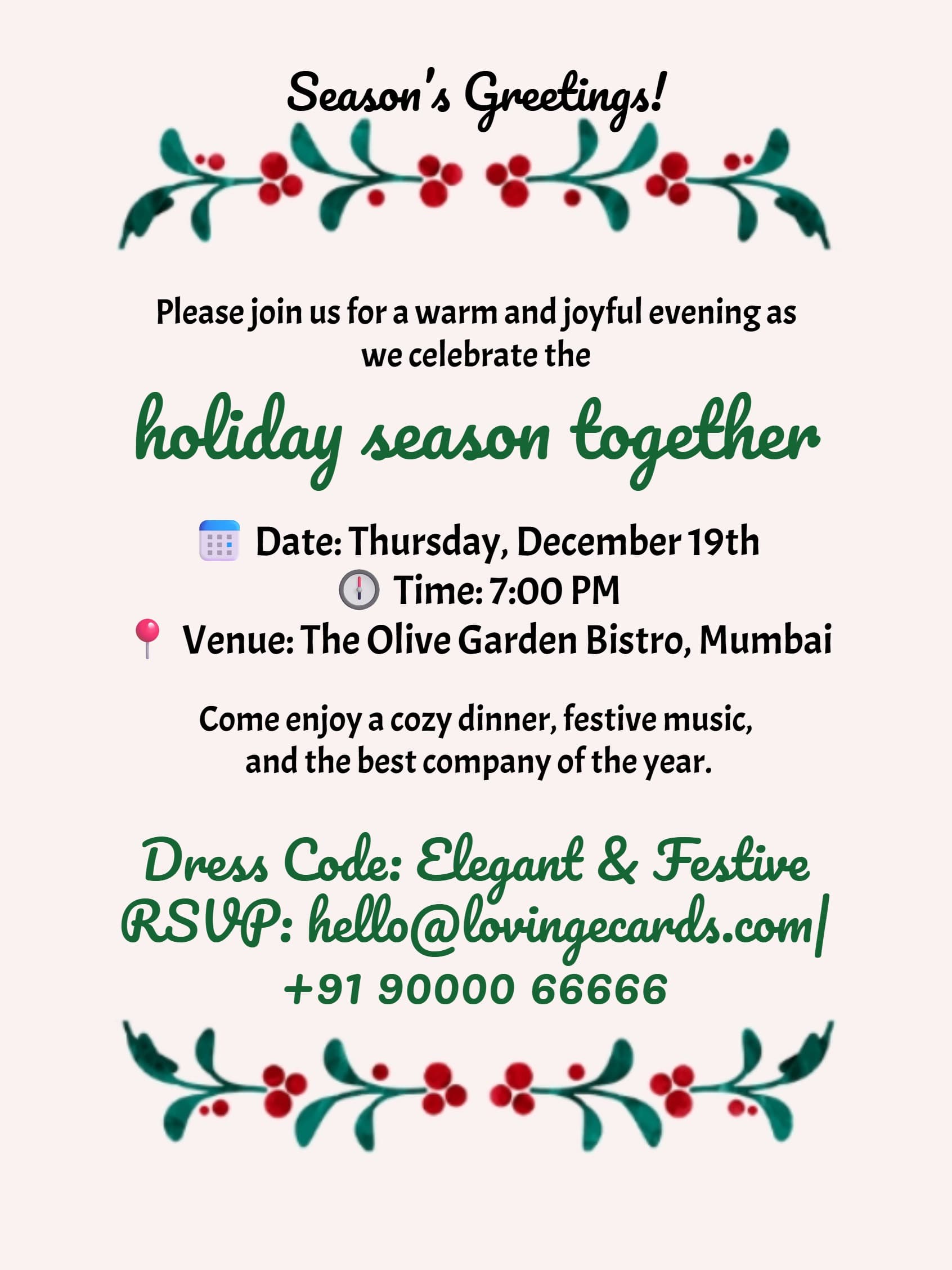
- 🎄Classic Christmas — Warm reds/greens, timeless type, welcoming tone.
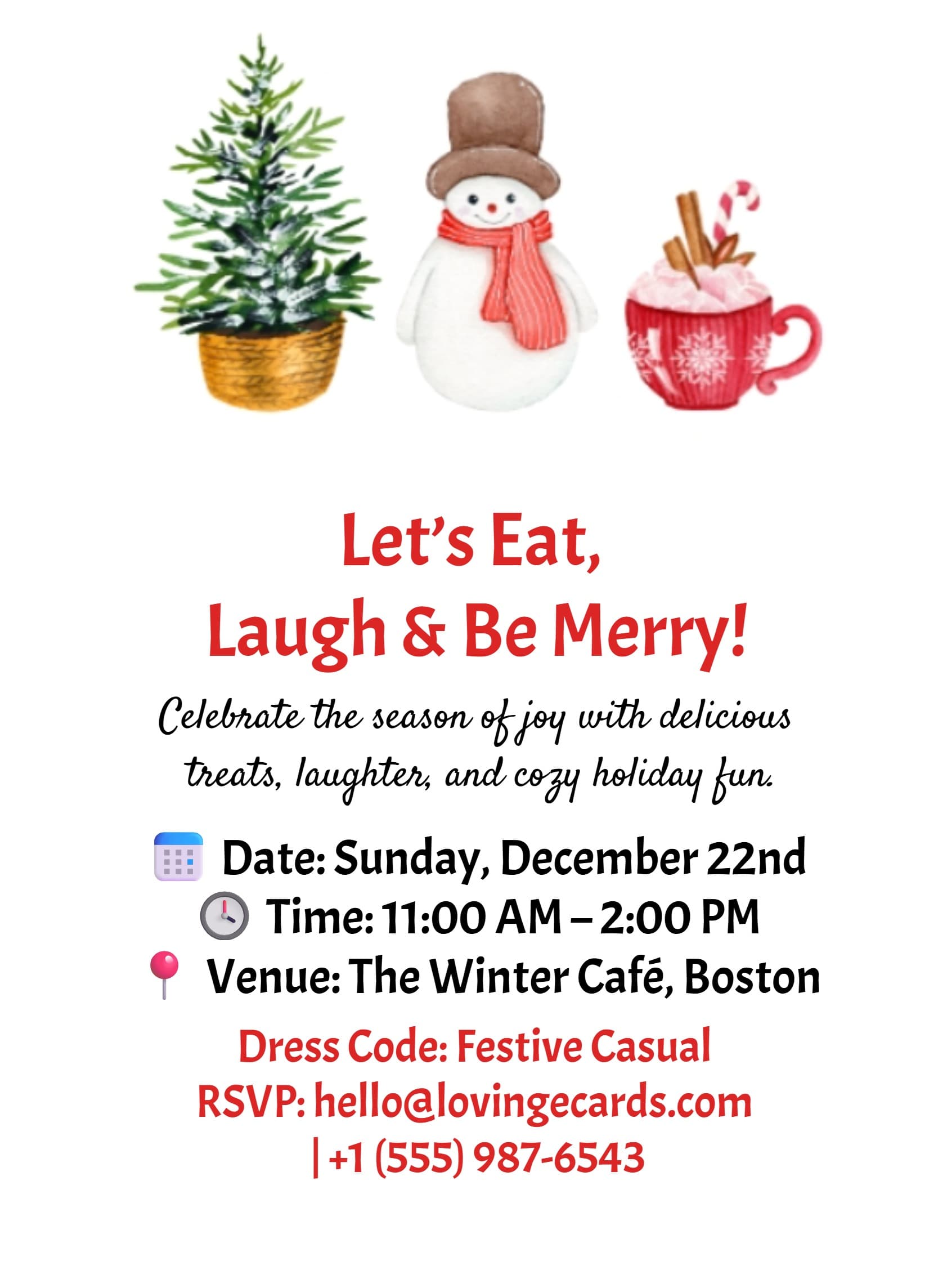
- ❄️Winter Minimalist — Clean layouts, soft palettes, quiet sparkle.
- 🏢Office-Friendly — Inclusive designs and HR-ready wording for company events.
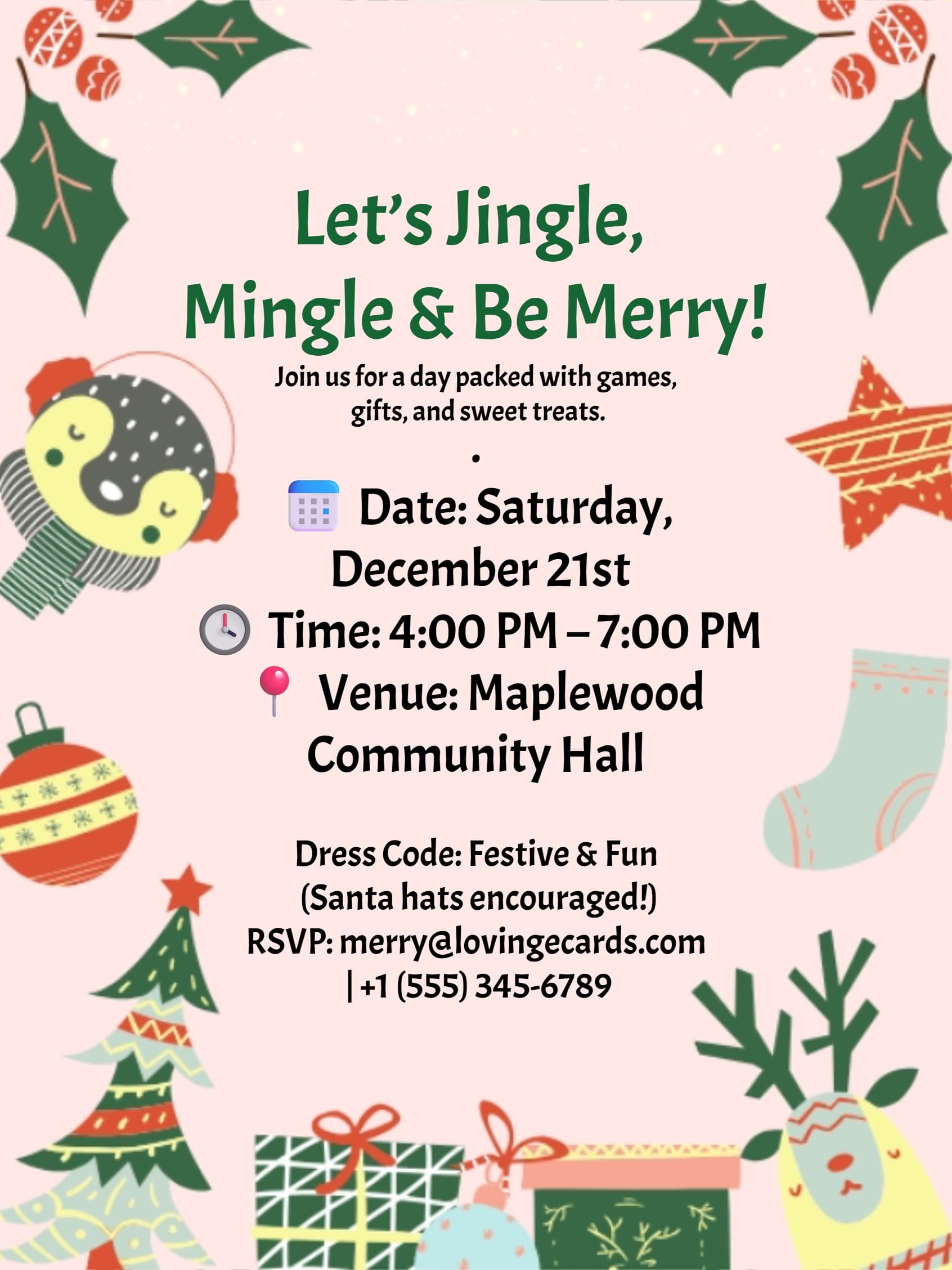
- 🧥Ugly Sweater (Fun) — Playful art, cheeky lines, perfect for casual nights.
- 🖼️Photo — Lead with a favorite picture; simple text that pops.
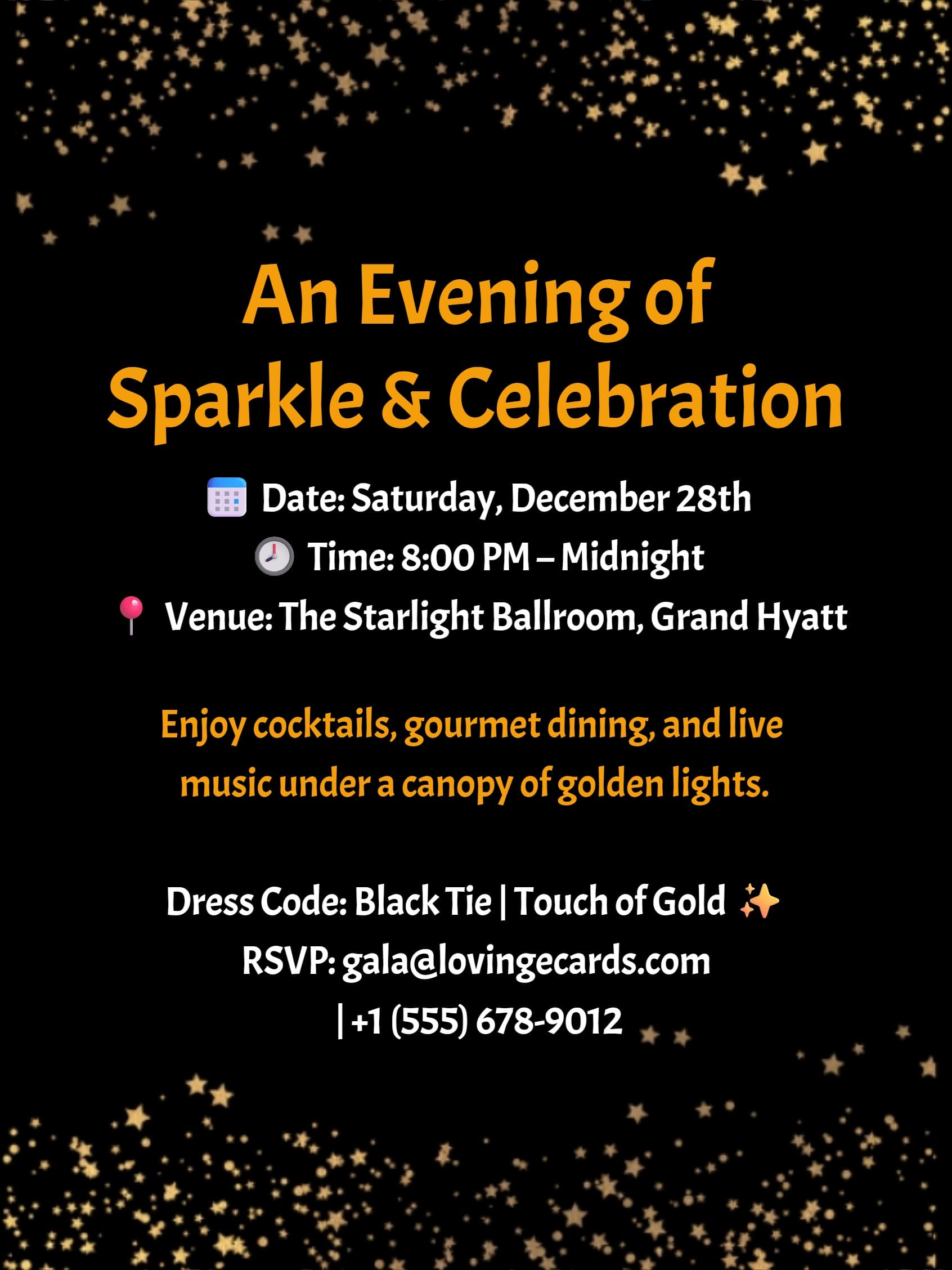
- ✨Metallic & Glow — Foil-inspired accents for evening parties and cocktails.
(You’ll also find a holiday lunch invite template and a Christmas invitation template—free inside our holiday party library.)
What to Say on Your Invite
Short, warm, and clear works best. Copy a line, then tweak:
“Celebrate the season with us — [Date], [Time], [Venue/Map].”
“Festive or ugly-sweater attire welcome. RSVP by [Deadline].”
“We’re doing White Elephant/Secret Santa — budget $25, one wrapped gift.”
“Potluck style — bring your favorite appetizer/dessert (optional).”
“Virtual option: [Meeting Link] (note your timezone).”
Need more Christmas party invite verbiage? Each template includes ready-to-edit phrasing you can drop in.
How It Works
- →Choose a template you like (Classic Christmas, Minimalist, Office, Ugly Sweater, Photo, Metallic).
- →Add details — date, time, venue or video link, dress code, gift-exchange notes, RSVP questions (+1s, dietary needs).
- →Share & track — send by link, QR, email, or WhatsApp; collect RSVPs in real time; auto-remind guests; one-tap add-to-calendar.
Easy Ways to Share
Send by link, QR, email, or WhatsApp. Guests don’t need an account. RSVPs update instantly, reminders go out automatically, and everyone can add the event to their calendar in one tap. Start your holiday party invitations now—make “Yes!” the easy answer. Planning something else? See our party invitations, birthday invitations, or browse all invitations.