
Work Feels Brighter With You Card
A free group office card — personalise it, invite everyone to sign, and deliver it by email or link.
Personalise your card
Takes about a minute. Nothing is sent until you're ready.
About this design
About the Work Feels Brighter With You Card
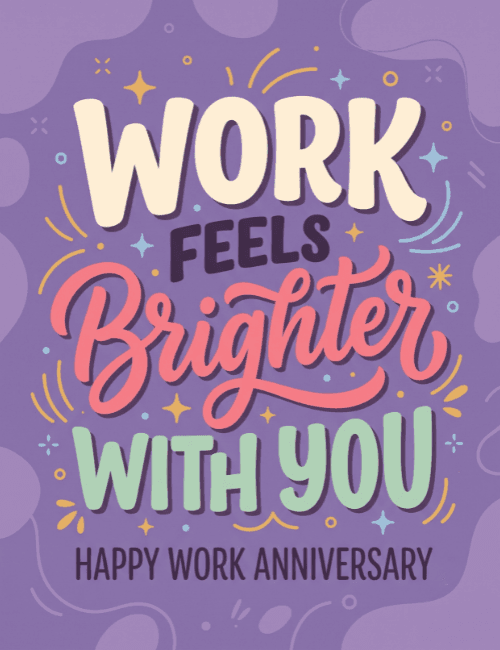
Soft purple fills this card, with a few lighter blobs drifting at the edges, and the lettering stacked in the middle does all the talking.
"Work" sits on top in thick cream capitals, "feels" is smaller in dark plum, "Brighter" swoops across in coral script, and "with you" finishes in mint green block letters. Small gold stars, blue sparkles, and loose curved lines scatter around the words, and a line at the bottom reads "Happy Work Anniversary." It feels cheerful and personal without getting loud. This work anniversary card suits a teammate, a direct report, or a favorite desk neighbor, especially when you want to say they make the days better. Send it online, or have the whole team sign it together. It's a simple way to tell someone their presence at work is noticed and appreciated.
Browse all free office cards





Good to know
Frequently Asked Questions
Find answers to common questions about our group cards and services.