
Welcome Little One Sleeping Bunny Baby Shower Card
A free group baby shower card — personalise it, invite everyone to sign, and deliver it by email or link.
Personalise your card
Takes about a minute. Nothing is sent until you're ready.
About this design
About the Welcome Little One Sleeping Bunny Baby Shower Card
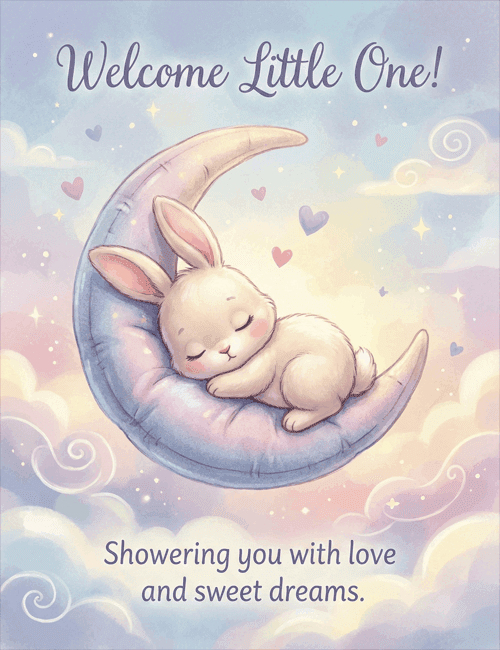
A sleeping bunny curled on a plush, periwinkle crescent moon sets the tone here, with soft pink cheeks, one long ear drooping and a tiny cotton tail.
Pastel clouds in lavender, peach, and pale blue swirl behind it, and small hearts and sparkles drift through the sky. The script across the top reads "Welcome Little One!" and the line below wishes the family love and sweet dreams. Everything about it is hushed and gentle, which makes it a lovely baby shower card for a mom-to-be, whether she's a close friend, a sister, or a coworker. It suits a newborn welcome too, and it's neutral enough for any nursery. Send it online, or let everyone at the party sign it together. It's a quiet way to tell new parents they're surrounded by love.
Browse all baby shower cards


Good to know
Frequently Asked Questions
Find answers to common questions about our group cards and services.