
Welcome Baby Nursery Mobile Card
A free group baby shower card — personalise it, invite everyone to sign, and deliver it by email or link.
Personalise your card
Takes about a minute. Nothing is sent until you're ready.
About this design
About the Welcome Baby Nursery Mobile Card
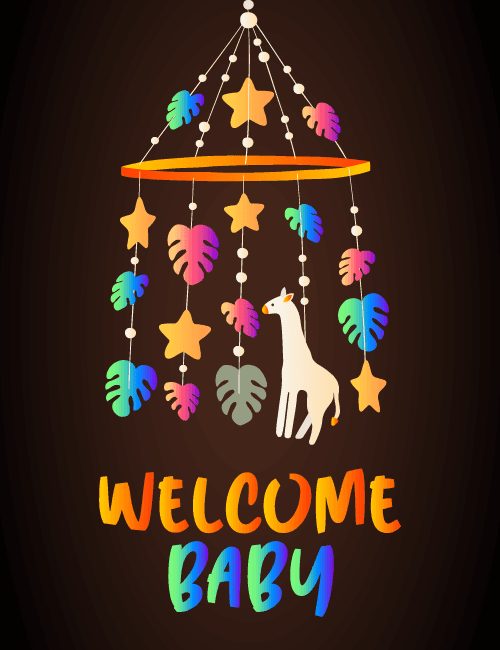
A hanging nursery mobile glows against a deep chocolate-brown background, its strands of tiny beads holding rainbow-gradient monstera leaves, golden stars, and a cream-colored giraffe that stands just below the center.
The orange ring at the top gives the whole thing a gentle, suspended feel. Below it, "Welcome Baby" is lettered in a brushy, hand-painted style, with the first word shifting from orange to yellow and the second moving from teal to blue and purple. The dark backdrop makes every color pop, so it feels playful without turning babyish in a pastel way. It makes a lovely baby shower card or a new baby ecard for parents who like bright, jungle-inspired nurseries. Send it to a friend, a coworker, or a relative, or let a group sign it together to share the welcome.
Browse all baby shower cards



Good to know
Frequently Asked Questions
Find answers to common questions about our group cards and services.