
Thanks for Making Work Fun
A free group office card — personalise it, invite everyone to sign, and deliver it by email or link.
Personalise your card
Takes about a minute. Nothing is sent until you're ready.
About this design
About the Thanks for Making Work Fun
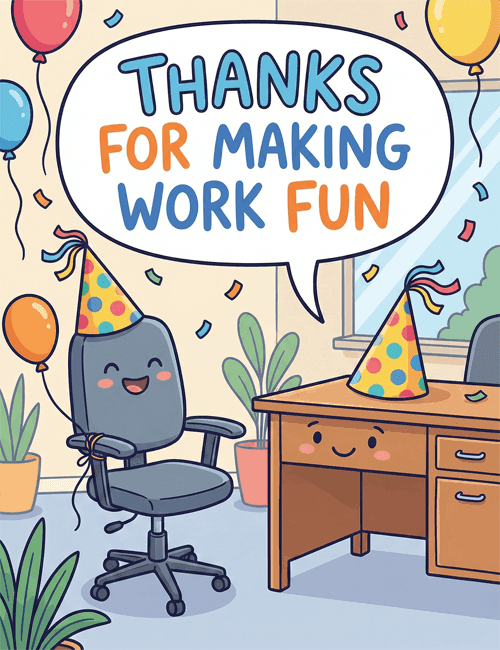
A grinning office chair in a polka-dot party hat sits at the center of this card, and it's hard not to smile back.
Its desk across the room has a little face too, with a matching hat perched on top. A big speech bubble above them carries the message "Thanks for making work fun" in chunky blue and orange lettering. Balloons in red, blue, orange, and yellow drift in from the edges, confetti floats through the air, and potted plants and a sunny window keep the scene feeling like a real, cheerful workplace. It makes a great thank you card for a coworker who keeps the mood light, a teammate who organizes the celebrations, or a boss who knows when to laugh. Send it online on its own, or let the whole office sign it together. It's a friendly way to tell someone their good humor hasn't gone unnoticed.
Browse all free office cards





Good to know
Frequently Asked Questions
Find answers to common questions about our group cards and services.