
Spooky Graveyard Halloween Card
A free group halloween cards card — personalise it, invite everyone to sign, and deliver it by email or link.
Personalise your card
Takes about a minute. Nothing is sent until you're ready.
About this design
About the Spooky Graveyard Halloween Card
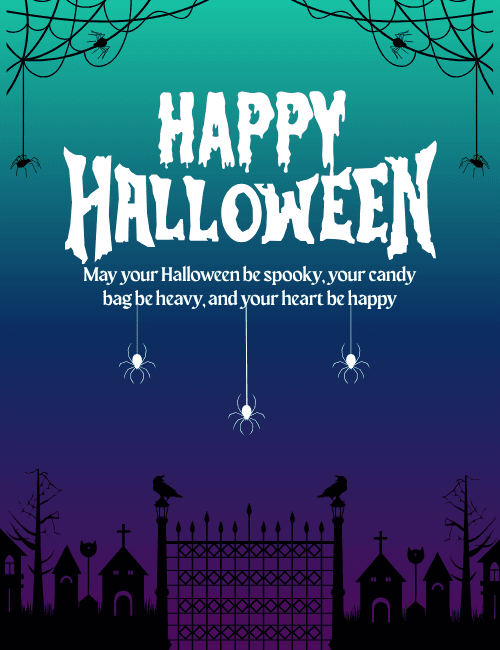
A gradient sky shifts from teal at the top to deep indigo and purple at the bottom, and it sets the scene for this Spooky Graveyard Halloween Card.
The white lettering for "Happy Halloween" looks dripping and jagged, like it was carved for the night. Below it, a short message wishes the reader a spooky Halloween, a heavy candy bag and a happy heart. White spiders dangle on threads beneath the message, and black webs with spiders hang in the top corners. At the bottom, a silhouetted iron gate stands between two lamps topped with crows, with bare trees, crosses and small crooked buildings on either side. It's spooky but friendly, which makes it a good Halloween ecard for kids, friends, neighbors or coworkers. Send it on its own or have a group sign it together. It's a playful way to share some seasonal fun.
Browse all halloween cards

Good to know
Frequently Asked Questions
Find answers to common questions about our group cards and services.