
Soft Clouds Happy Anniversary Card
A free group anniversary card — personalise it, invite everyone to sign, and deliver it by email or link.
Personalise your card
Takes about a minute. Nothing is sent until you're ready.
About this design
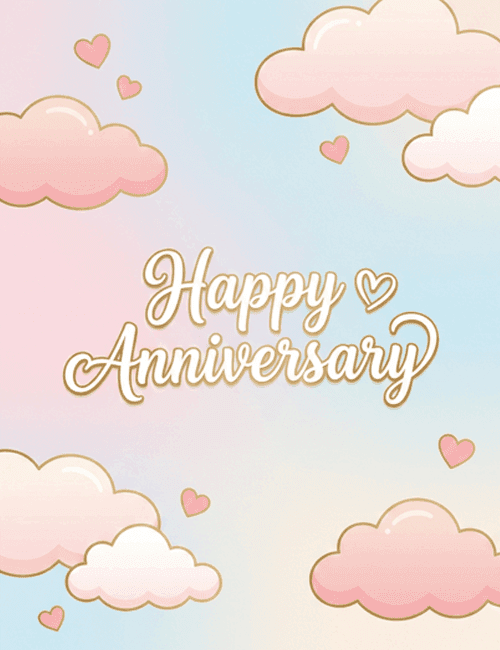
About the Soft Clouds Happy Anniversary Card
Soft pink and baby blue blend into each other across this card like a sky at dusk, with plump peach and blush clouds drifting in from the corners.
Each cloud has a thin golden outline, and a few small pink hearts float between them. At the center, "Happy Anniversary" is written in looping white script edged in gold, with a little heart tucked beside the first word. The mood is gentle and dreamy, romantic without being heavy. It makes a sweet happy anniversary ecard for a spouse or partner, and it's just as fitting for a couple celebrating their first year or their thirtieth. Because the look is so light, it also works as an anniversary card for friends or family. Send it on its own, or have everyone sign it together. Either way, it's a tender way to say you're glad they found each other.
Browse all anniversary cardsNot quite right?
More anniversary cards
 A Love Story Worth Celebrating – Love Letter Anniversary Card
 Still Stuck on Each Other – Boho Desert Cactus Anniversary Card
 Written in the Stars – Celestial Star Chart Anniversary Card
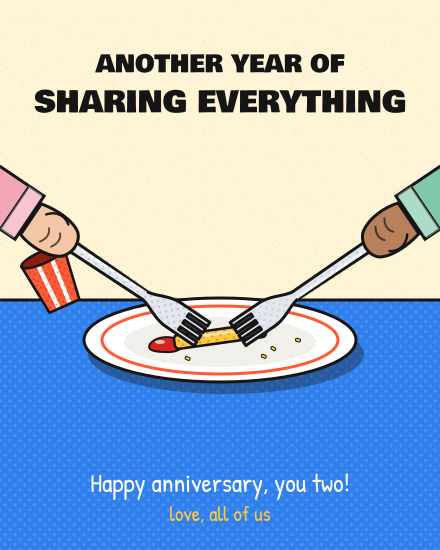 Even the Last Fry – Comic Forks Anniversary Card
 Stitched Together – Cross-Stitch Hoop Anniversary Card
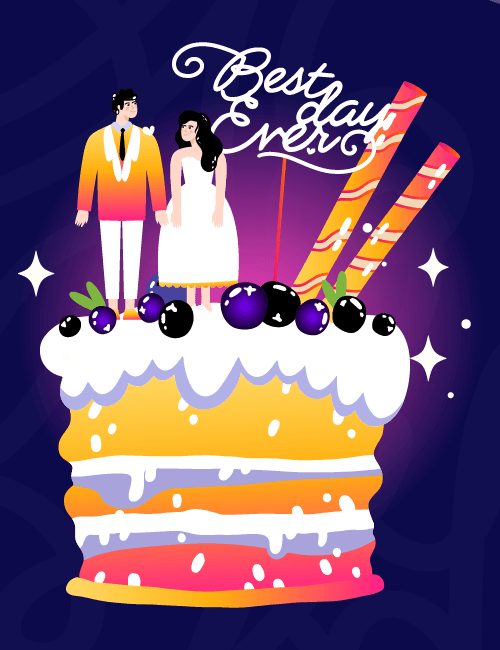 Best Day Ever Anniversary Card
Good to know
Frequently Asked Questions
Find answers to common questions about our group cards and services.