
So Long Office Buddy Farewell Card
A free group farewell card — personalise it, invite everyone to sign, and deliver it by email or link.
Personalise your card
Takes about a minute. Nothing is sent until you're ready.
About this design
About the So Long Office Buddy Farewell Card
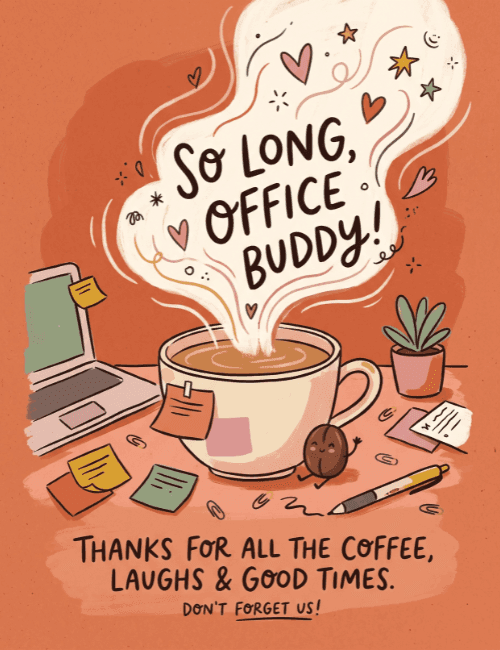
A big cream-colored cloud of steam rises from a coffee cup on a warm terracotta background, and the hand-lettered words "So long, office buddy!" sit right inside it, surrounded by little hearts, stars, and swirls.
Below, the desk is wonderfully lived-in: a laptop with a sticky note, scattered paper clips, a pen, a small potted plant, and a tiny coffee bean character waving beside the mug. The message underneath thanks a coworker for "all the coffee, laughs & good times," then adds a small "don't forget us!" The tone is affectionate and a little cheeky, which makes this farewell card a good fit for a work friend who's moving on. Send it online, or pass it around so the whole team can sign. It's a friendly way to say you'll miss the daily chats.
Browse all free group farewell cards onlineNot quite right?
More free group farewell cards online





Good to know
Frequently Asked Questions
Find answers to common questions about our group cards and services.