
promotion achieved congratulations premium card
A free group office card — personalise it, invite everyone to sign, and deliver it by email or link.
Personalise your card
Takes about a minute. Nothing is sent until you're ready.
About this design
About the promotion achieved congratulations premium card
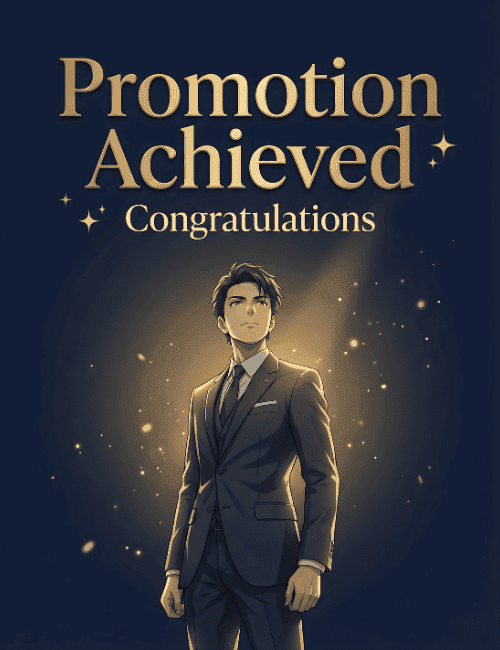
A deep navy background and a single beam of warm gold light set the stage on this promotion card, with a young man in a dark three-piece suit standing in the glow, chin lifted and eyes looking upward.
He's drawn in a polished, anime-inspired style, and tiny golden sparks drift around him like light catching dust. Above him, "Promotion Achieved" is set in large, elegant gold serif lettering, with a smaller "Congratulations" beneath and a few small stars scattered nearby. The mood is quietly triumphant, more spotlight than party. It suits a congratulations card for a coworker, a team member, or a boss who has earned a step up. Send it online the day the news lands, or pass it around so the whole office can sign. It's a dignified way to say the hard work was noticed.
Browse all free office cards





Good to know
Frequently Asked Questions
Find answers to common questions about our group cards and services.