
Office Work Anniversary Card – Folk Art Floral Design
A free group office card — personalise it, invite everyone to sign, and deliver it by email or link.
Personalise your card
Takes about a minute. Nothing is sent until you're ready.
About this design
About the Office Work Anniversary Card – Folk Art Floral Design
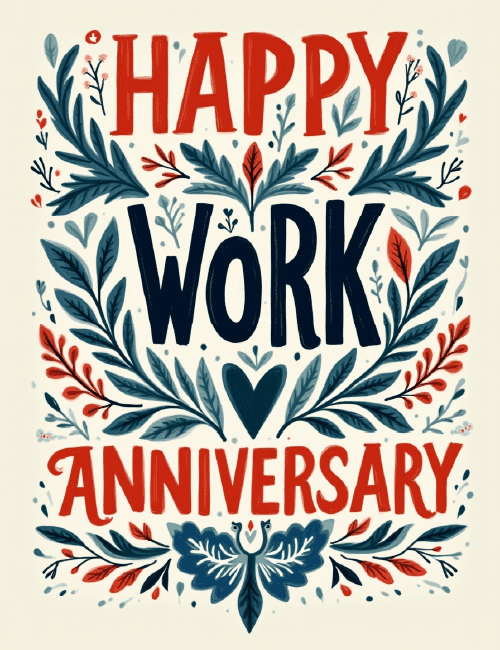
Hand-painted lettering in red and deep navy spells out "Happy Work Anniversary" on a warm cream background, framed by symmetrical sprays of leaves and sprigs in slate blue, teal, and red.
A small navy heart sits at the center, just below the word "Work," and a folk-style bird-and-leaf motif anchors the bottom edge. The brushy, slightly uneven letters and Scandinavian-style botanicals feel crafted rather than corporate, which makes this work anniversary card a good fit for people who'd like to celebrate a colleague without sounding stiff. Send it to a coworker marking one year or ten, to a direct report, or to your own manager. It also works well as a group ecard the whole team signs. A warm, thoughtful way to say their time and effort have been noticed.
Browse all free office cards





Good to know
Frequently Asked Questions
Find answers to common questions about our group cards and services.