
Office Work Anniversary Card – Desk Setup Celebration Illustration
A free group office card — personalise it, invite everyone to sign, and deliver it by email or link.
Personalise your card
Takes about a minute. Nothing is sent until you're ready.
About this design
About the Office Work Anniversary Card – Desk Setup Celebration Illustration
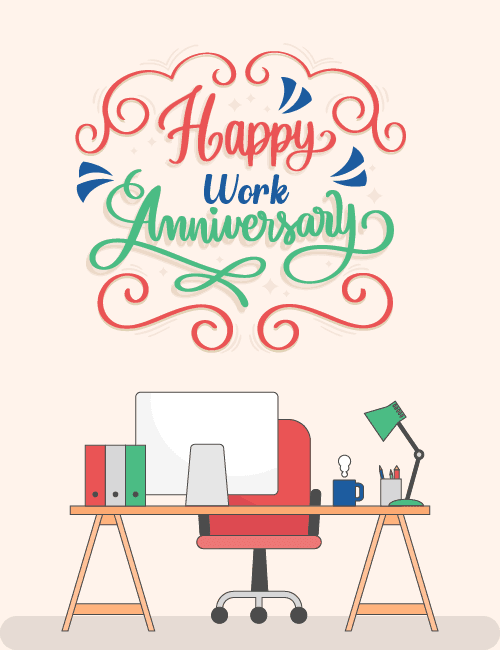
Looped coral flourishes frame the hand-lettered greeting at the top of this work anniversary card, with "Happy" in red, "Work" in blue and a long, sweeping "Anniversary" in green on a soft cream background.
Below it sits a tidy, flat-style desk scene: a red rolling chair at a wooden trestle desk, a computer monitor, three colorful binders, a blue mug, a pencil cup and a green desk lamp. It feels friendly and familiar, the sort of workspace a colleague will see as their own. Send it as an office work anniversary ecard to a coworker, a direct report or your boss, or pass it around so the whole team can sign. It's a simple way to show that someone's time and effort have been noticed.
Browse all free office cards





Good to know
Frequently Asked Questions
Find answers to common questions about our group cards and services.