
Office Welcome Card – Cute Script Lettering Design
A free group office card — personalise it, invite everyone to sign, and deliver it by email or link.
Personalise your card
Takes about a minute. Nothing is sent until you're ready.
About this design
About the Office Welcome Card – Cute Script Lettering Design
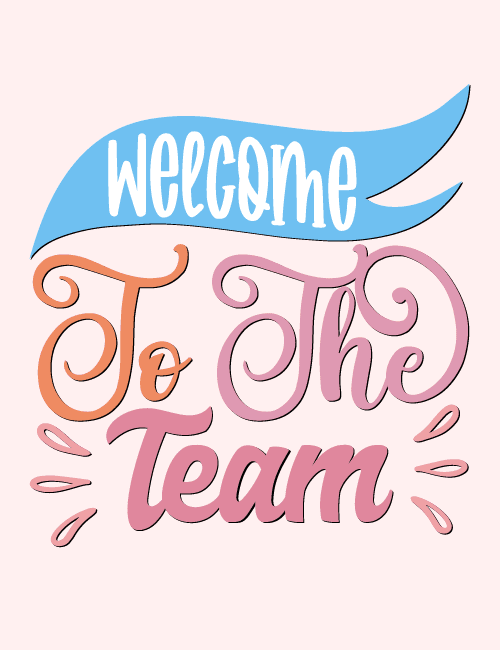
A sky-blue banner stretches across the top of this card, with "Welcome" in tall, white, hand-drawn capitals that look a little playful and uneven in the best way.
Below it, "To The Team" is set in swirling script, with "To" in soft orange, "The" in dusty pink, and "Team" in a heavier, rosier brush style. Small teardrop-shaped flourishes sit on either side, and the whole thing floats on a pale blush background. It's a gentle, friendly palette, so the card feels warm rather than corporate. This office welcome card suits a new hire's first day, an intern joining for the summer, or a colleague moving over from another department. It also works as a welcome to the team card the whole group can sign together. It's a small, cheerful way to say you're glad they're here.
Browse all free office cards





Good to know
Frequently Asked Questions
Find answers to common questions about our group cards and services.