
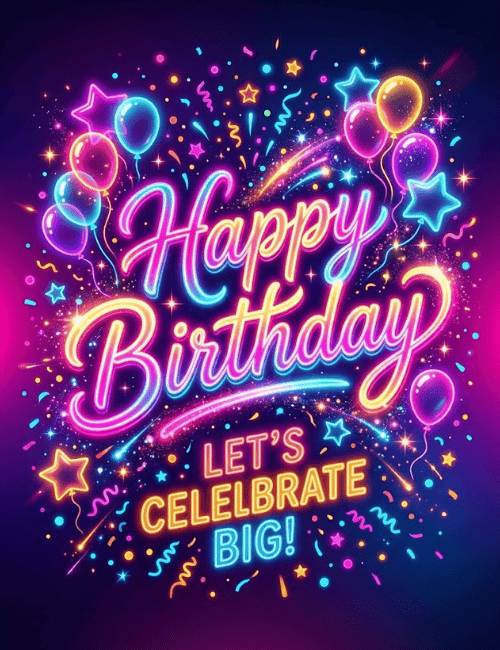
Neon Happy Birthday Card Let’s Celebrate Big Party Typography
A free group birthday card — personalise it, invite everyone to sign, and deliver it by email or link.
Personalise your card
Takes about a minute. Nothing is sent until you're ready.
About this design
About the Neon Happy Birthday Card Let’s Celebrate Big Party Typography
Glowing script in hot pink, violet and electric blue spells out Happy Birthday against a deep navy background, with a magenta haze at one edge that makes the whole card look lit from within.
Neon balloons in teal, pink, purple and amber drift in the corners, outlined stars float around them, and confetti and curling streamers scatter through the middle. Below the script, bold yellow and blue capitals invite everyone to celebrate big. It feels like a night out with music and a crowd of friends. Send this birthday ecard to a friend, a sibling, or a coworker who loves a party, or pass it around so a group can sign it together. It's a lively way to say you're ready to make their day a big one.
Browse all free group birthday cards online



Good to know
Frequently Asked Questions
Find answers to common questions about our group cards and services.