
Minimal Typography Sorry Card with Folded Hands
A free group sorry (apology) card — personalise it, invite everyone to sign, and deliver it by email or link.
Personalise your card
Takes about a minute. Nothing is sent until you're ready.
About this design
About the Minimal Typography Sorry Card with Folded Hands
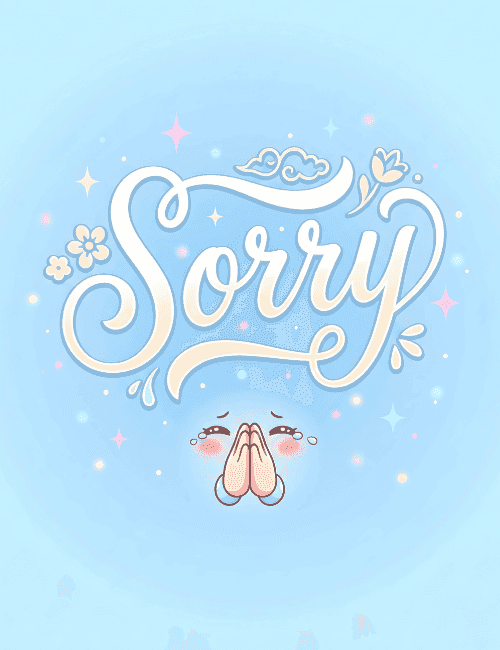
Soft sky blue fills the whole card, and across it runs a single word in looping cream-white script: Sorry.
The lettering does most of the talking, with long curling flourishes, small flowers on one side, a tulip bud on the other and a tiny swirl of cloud above. Beneath it, a little teary face with blushing cheeks and pressed-together hands makes the classic pleading gesture. Pink and blue sparkles drift around the edges, keeping the mood gentle rather than heavy. It works as a sincere but lighthearted sorry card for a friend you've let down, a partner after an argument, or a coworker when you've dropped the ball. Send it online on its own, or have a group sign it together. It's a small, kind way to show you mean it and want to make things right.
Browse all sorry (apology) cards


Good to know
Frequently Asked Questions
Find answers to common questions about our group cards and services.