
Hello Baby – Teddy Bear Baby Shower Card
A free group baby shower card — personalise it, invite everyone to sign, and deliver it by email or link.
Personalise your card
Takes about a minute. Nothing is sent until you're ready.
About this design
About the Hello Baby – Teddy Bear Baby Shower Card
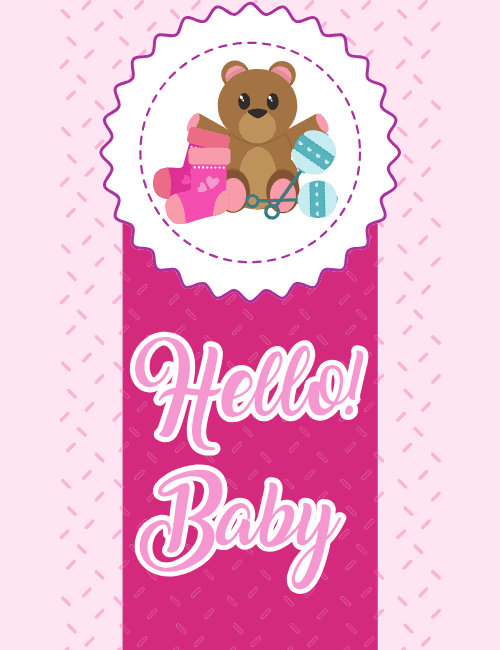
A scalloped white badge sits at the top of this card like a rosette ribbon, and inside it a brown teddy bear with open arms leans against a pair of pink baby socks with little hearts on them.
A teal rattle rests beside the bear, adding a cool pop against all the pink. Below, a deep magenta panel carries "Hello! Baby" in big, looping script, pale pink letters outlined in white, over a background of tiny dashes and a softer blush pattern. It feels sweet and celebratory without tipping into fussy. This baby shower card suits a girl's shower, a gender reveal that landed on pink, or a welcome-home note for a new arrival. Send it to a friend, a coworker, or a family member, or pass it around so everyone at the shower can sign. It's a warm way to say you're excited to meet the little one.
Browse all baby shower cards


Good to know
Frequently Asked Questions
Find answers to common questions about our group cards and services.