
Happy Work Anniversary Office Desk Card
A free group office card — personalise it, invite everyone to sign, and deliver it by email or link.
Personalise your card
Takes about a minute. Nothing is sent until you're ready.
About this design
About the Happy Work Anniversary Office Desk Card
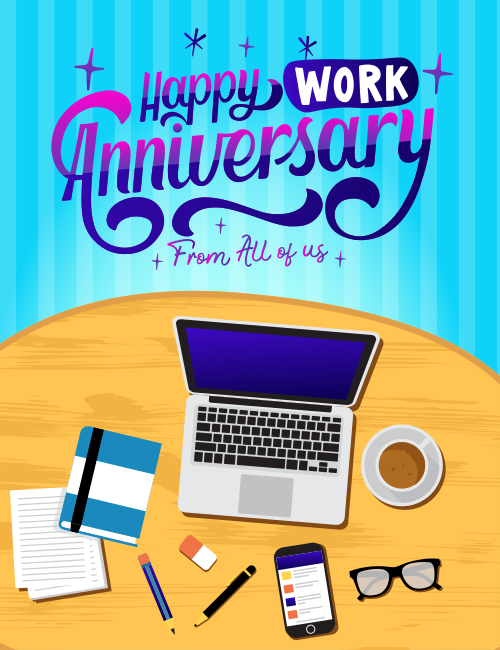
Looking down on a sunny wooden desk, this Happy Work Anniversary card lays out the everyday tools of an office day: an open laptop, a steaming cup of coffee, a blue notebook, loose lined paper, a pencil, an eraser, a pen, a phone, and a pair of glasses.
Above it, the swirling purple-to-pink lettering stands out against a bright aqua striped background, with "WORK" set in a bold white block and small sparkles scattered around. A smaller script line reads "From All of us," which makes it a natural fit for a group card. The mood is cheerful and relaxed, a nod to the daily routine rather than a stiff corporate note. Send this work anniversary ecard to a coworker, a team member, or a boss, and let everyone sign it together. It's a friendly way to say their time and effort have been noticed.
Browse all free office cards





Good to know
Frequently Asked Questions
Find answers to common questions about our group cards and services.