
Happy Work Anniversary – Fun Blue Office Doodle Card
A free group office card — personalise it, invite everyone to sign, and deliver it by email or link.
Personalise your card
Takes about a minute. Nothing is sent until you're ready.
About this design
About the Happy Work Anniversary – Fun Blue Office Doodle Card
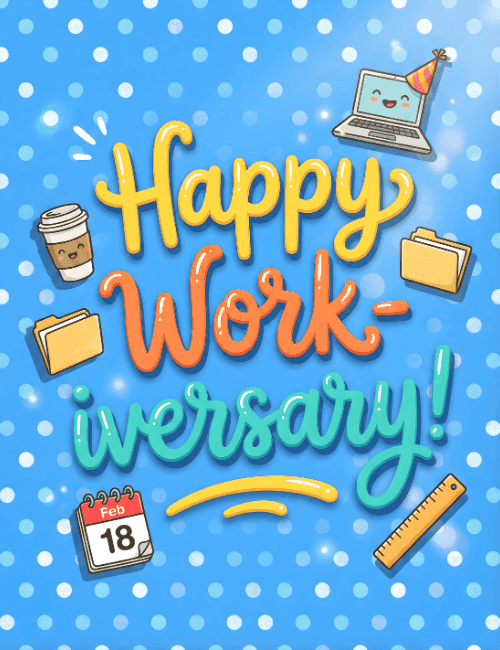
Glossy hand-lettered type in yellow, orange, and teal sits front and center on a sky-blue background dotted with white polka dots.
The message reads "Happy Work-iversary!" and the playful pun sets the tone right away. Around the lettering, little office objects have been given a sweet makeover: a laptop in a striped party hat with a smiling face, a coffee cup grinning back at you, a pair of manila folders, a ruler, and a calendar page showing Feb 18. It's a cheerful way to mark a work anniversary without getting stiff about it. Send this work anniversary card to a coworker, a direct report, or a teammate you've shared a lot of coffee runs with. It also works well signed together as a group, and sent online it arrives right on the day.
Browse all free office cards





Good to know
Frequently Asked Questions
Find answers to common questions about our group cards and services.