
Happy Work Anniversary from the Team
A free group office card — personalise it, invite everyone to sign, and deliver it by email or link.
Personalise your card
Takes about a minute. Nothing is sent until you're ready.
About this design
About the Happy Work Anniversary from the Team
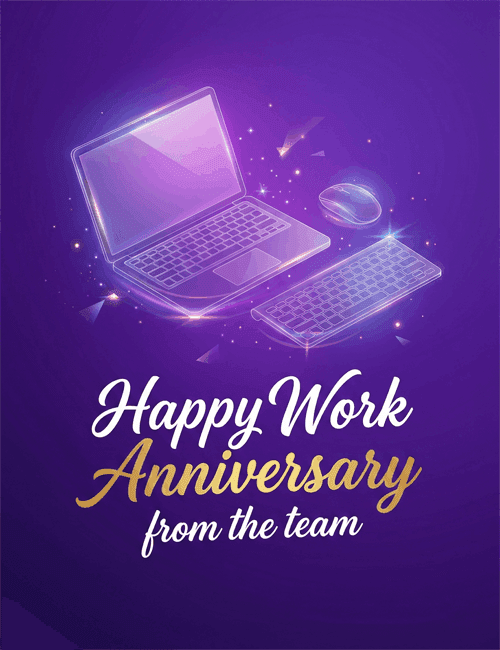
Deep purple fills this Happy Work Anniversary card, with a glowing, glass-like laptop, wireless mouse, and keyboard floating above the message.
Small sparkles and drifting shards of light surround them, which gives an everyday desk setup a soft, celebratory shimmer. Below, flowing script spells out "Happy Work" in white, "Anniversary" in a warm gold gradient, and "from the team" in a smaller white hand-lettered style. The look is polished and modern, with enough sparkle to feel like a real occasion. It suits a work anniversary card for a coworker, a direct report, or a longtime colleague, especially in office or remote settings where the laptop feels familiar. Send it online on their milestone date, or pass it around so everyone can sign. It's a simple way to say their years of effort have been noticed.
Browse all free office cards





Good to know
Frequently Asked Questions
Find answers to common questions about our group cards and services.