
happy work anniversary from the entire team card
A free group office card — personalise it, invite everyone to sign, and deliver it by email or link.
Personalise your card
Takes about a minute. Nothing is sent until you're ready.
About this design
About the happy work anniversary from the entire team card
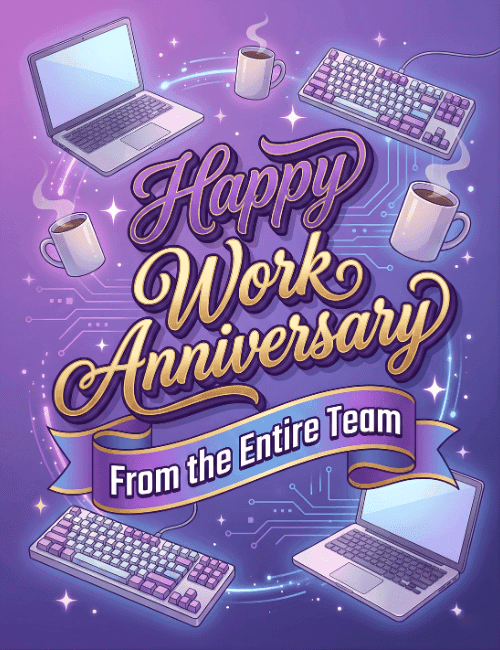
Deep purple fills this card, with laptops and mechanical keyboards floating in the corners and steaming coffee mugs drifting between them.
Faint circuit-board lines and small white sparkles glow behind it all. At the center, "Happy Work Anniversary" is set in flowing script, shaded from violet to gold, and a purple ribbon below it reads "From the Entire Team." The tech and coffee details make it feel made for an office where people spend their days at screens, and the soft glow keeps it warm rather than corporate. It's a natural fit as a work anniversary card for a coworker, a direct report, or someone in a developer or IT group. Send it online on the day itself, or have everyone sign it together. It's a simple way to show someone their time and effort have been noticed.
Browse all free office cards





Good to know
Frequently Asked Questions
Find answers to common questions about our group cards and services.