
Happy Work Anniversary Desk Theme Card for Team Member
A free group office card — personalise it, invite everyone to sign, and deliver it by email or link.
Personalise your card
Takes about a minute. Nothing is sent until you're ready.
About this design
About the Happy Work Anniversary Desk Theme Card for Team Member
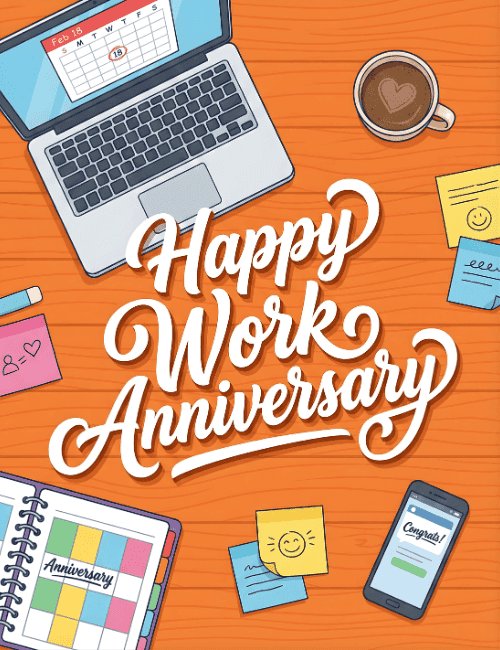
A bird's-eye view of a workday sets the scene here: an orange wood-grain desk with a laptop, a latte topped with a heart in the foam, and a scatter of sticky notes, a few with little smiley faces.
A spiral planner in the corner has a color-blocked grid labeled "Anniversary," and a phone shows a "Congrats!" message. The laptop calendar has a date circled in red. Across the middle, white script lettering spells out Happy Work Anniversary in big, looping curves. It feels cheerful and personal rather than corporate, which makes it a good work anniversary card for a team member, a direct report, or a favorite coworker. Send it on their milestone day, or pass it around so everyone can sign. It's a simple way to say their time and effort have been noticed.
Browse all free office cards





Good to know
Frequently Asked Questions
Find answers to common questions about our group cards and services.