
Happy Work Anniversary Colorful Celebration Card
A free group office card — personalise it, invite everyone to sign, and deliver it by email or link.
Personalise your card
Takes about a minute. Nothing is sent until you're ready.
About this design
About the Happy Work Anniversary Colorful Celebration Card
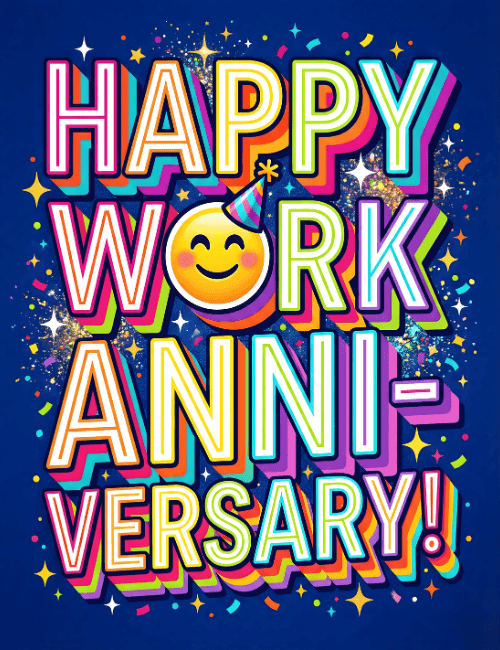
Deep navy blue makes the lettering on this Happy Work Anniversary card glow.
Each word is outlined in white and stacked with layered shadows in orange, pink, purple, green and teal, so the type looks almost three-dimensional. A smiling emoji with rosy cheeks and a little party hat stands in for the O in "WORK," which gives the whole thing a cheerful, playful wink. Scattered confetti, small stars and flecks of sparkle fill the background without crowding the message. It feels upbeat and a bit cheeky, more high five than formal congratulations. Send this work anniversary ecard to a teammate marking a year, a boss, or a longtime colleague, either on your own or signed together as a group. It's a quick way to say their time with you has been noticed and appreciated.
Browse all free office cards





Good to know
Frequently Asked Questions
Find answers to common questions about our group cards and services.