
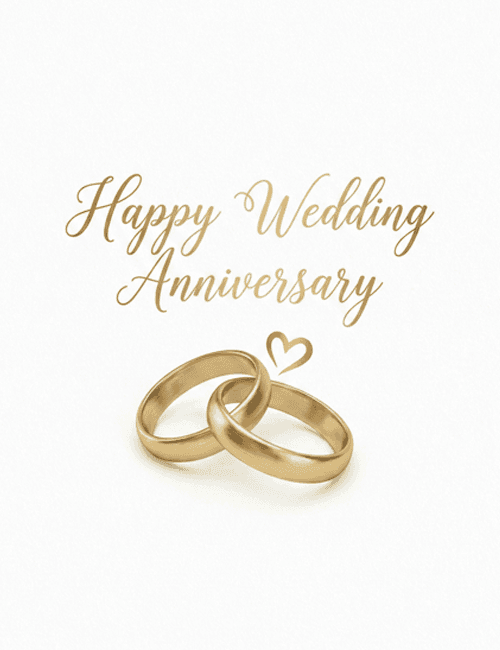
Golden Rings Happy Wedding Anniversary Card
A free group anniversary card — personalise it, invite everyone to sign, and deliver it by email or link.
Personalise your card
Takes about a minute. Nothing is sent until you're ready.
About this design
About the Golden Rings Happy Wedding Anniversary Card
Two interlocked gold wedding bands rest against a clean white background, with a small hand-drawn heart floating just above them.
Over the rings, "Happy Wedding Anniversary" is written in a flowing gold script with long, looping capitals. The gold tones on both the rings and the lettering are soft and warm, and the plain background keeps the whole card calm and uncluttered. It feels classic and sincere, more romantic than playful. That makes this happy wedding anniversary card a good fit for a spouse, for parents or grandparents, or for friends marking a milestone year. It suits first anniversaries and fiftieth ones equally well. You can send it online on the day itself, or let family and friends sign it together. It's a quiet, graceful way to honor a lasting commitment.
Browse all anniversary cardsNot quite right?
More anniversary cards
 A Love Story Worth Celebrating – Love Letter Anniversary Card
 Still Stuck on Each Other – Boho Desert Cactus Anniversary Card
 Written in the Stars – Celestial Star Chart Anniversary Card
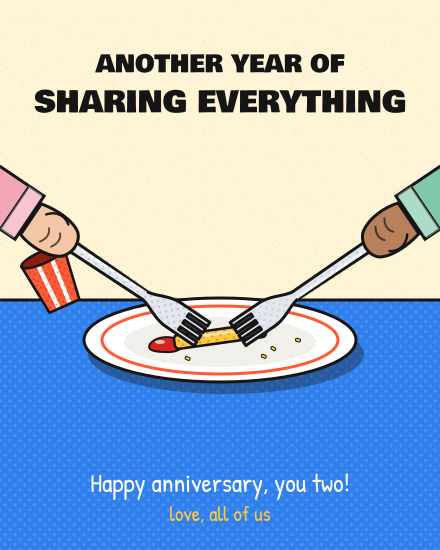 Even the Last Fry – Comic Forks Anniversary Card
 Stitched Together – Cross-Stitch Hoop Anniversary Card
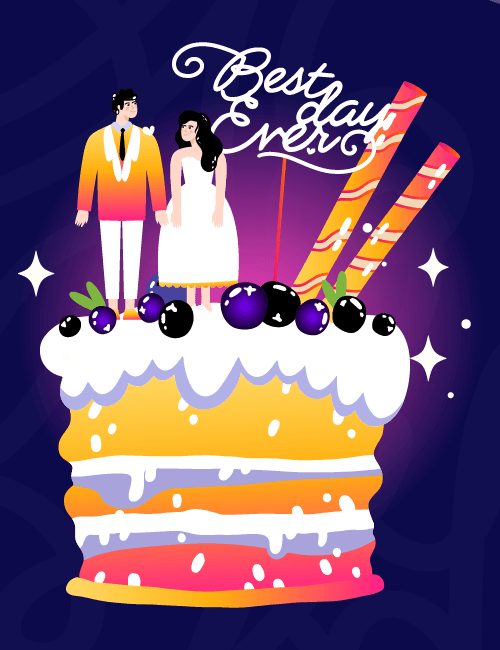 Best Day Ever Anniversary Card
Good to know
Frequently Asked Questions
Find answers to common questions about our group cards and services.