
Funny Office Farewell Card – Don’t Forget Us
A free group farewell card — personalise it, invite everyone to sign, and deliver it by email or link.
Personalise your card
Takes about a minute. Nothing is sent until you're ready.
About this design
About the Funny Office Farewell Card – Don’t Forget Us
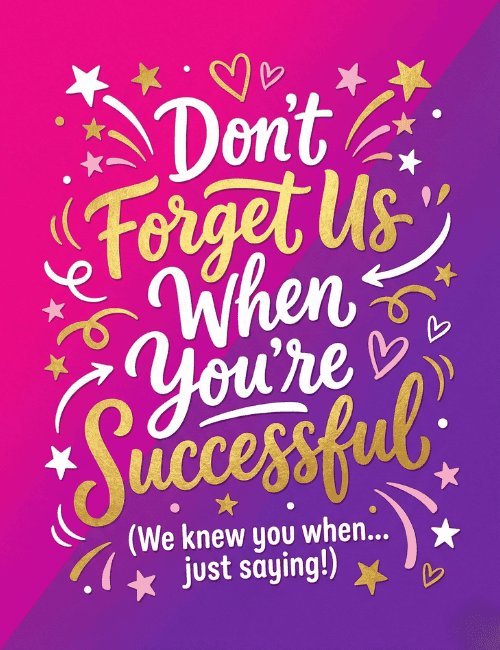
Hot pink melts into deep purple across a diagonal split, and the hand-lettered message sits on top in white and gold script: "Don't Forget Us When You're Successful." Little stars, hearts, swirls and curved arrows scatter around the words like confetti, so the card feels like a send-off party before anyone has opened it.
The smaller line underneath, a nod to "we knew you when," keeps the teasing affectionate rather than sharp. It makes a great funny farewell card for a coworker heading to a new job, a boss moving on, or a teammate leaving for a big opportunity. Send it online, or pass it around so the whole office can sign. It's a lighthearted way to say you'll miss them and you're cheering for what comes next.
Browse all free group farewell cards onlineNot quite right?
More free group farewell cards online





Good to know
Frequently Asked Questions
Find answers to common questions about our group cards and services.