
Funny Farewell Card – Goodbye Emails Hello Freedom
A free group farewell card — personalise it, invite everyone to sign, and deliver it by email or link.
Personalise your card
Takes about a minute. Nothing is sent until you're ready.
About this design
About the Funny Farewell Card – Goodbye Emails Hello Freedom
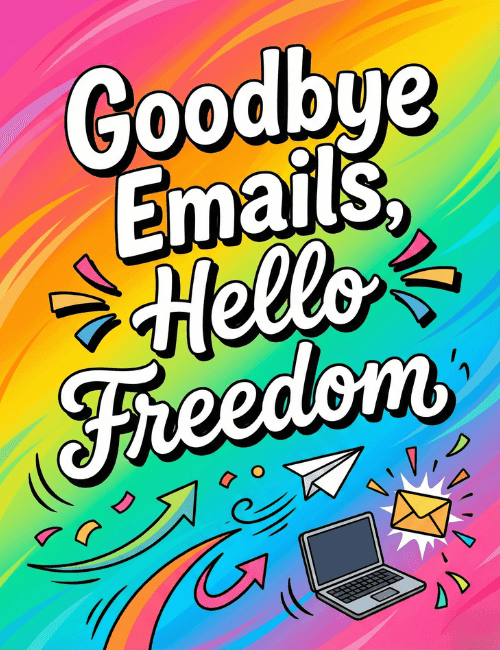
A rainbow wash of pink, orange, yellow, green and blue swirls behind big white script that reads "Goodbye Emails, Hello Freedom," each word outlined in black so it pops off the page.
Along the bottom, a small paper airplane, a laptop and an envelope with a starburst around it sit among confetti scraps and curling arrows that seem to be heading out and away. It's a funny farewell card that pokes gentle fun at the inbox rather than the person leaving. The mood is relieved and celebratory, which makes it a good fit for a coworker who's retiring, changing jobs or finally taking that long break. Send it on their last day, or pass it around so the whole office can sign. It says you'll miss them, and you're a little jealous too.
Browse all free group farewell cards onlineNot quite right?
More free group farewell cards online





Good to know
Frequently Asked Questions
Find answers to common questions about our group cards and services.