
Elegant Bride-to-Be Bridal Shower Celebration Card
A free group bridal shower cards card — personalise it, invite everyone to sign, and deliver it by email or link.
Personalise your card
Takes about a minute. Nothing is sent until you're ready.
About this design
About the Elegant Bride-to-Be Bridal Shower Celebration Card
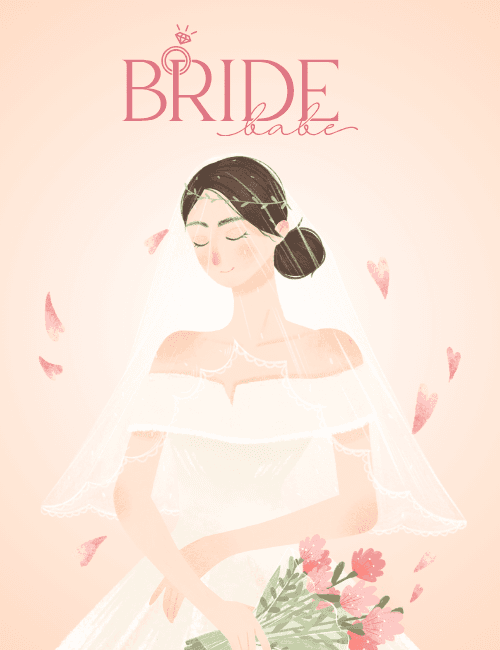
A soft peach background glows behind an illustrated bride with her eyes gently closed and a small, content smile.
Her dark hair is pinned in a low bun beneath a thin green leaf crown, and a sheer veil with a delicate scalloped edge drifts over an off-the-shoulder white gown. She holds a bouquet of pink blooms and greenery low in front of her, while pink petals and tiny hearts float through the air. The title sits at the top in rose-pink lettering: "Bride" in tall serif capitals, "babe" in looping script, with a little diamond ring tucked into the B. The painterly, pastel look feels romantic and calm, not loud. It makes a lovely bridal shower card for a friend, sister, or coworker, and it can be sent online or signed by the whole guest list.
Browse all bridal shower cards


Good to know
Frequently Asked Questions
Find answers to common questions about our group cards and services.