
Elegant Bridal Shower Celebration with Floral Classic Touch
A free group bridal shower cards card — personalise it, invite everyone to sign, and deliver it by email or link.
Personalise your card
Takes about a minute. Nothing is sent until you're ready.
About this design
About the Elegant Bridal Shower Celebration with Floral Classic Touch
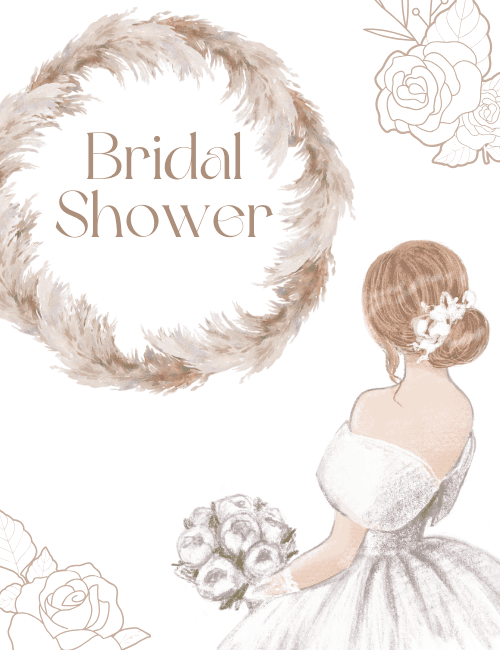
A wreath of soft pampas grass in dusty tan and blush frames the words "Bridal Shower" in a graceful, rounded serif, all set against a clean white background.
Below it, a bride is shown from behind in a off-the-shoulder white gown with a full skirt, her auburn hair swept into a low bun with small white blossoms tucked in. She holds a bouquet of pale peonies. Fine line-drawn roses sit in two corners, adding a quiet floral touch. The muted, neutral palette feels romantic and calm, more boho than frilly. It makes a lovely bridal shower card for a friend, sister, cousin, or coworker, whether you send it alone or let the whole guest list sign it online. It's a gentle way to tell her you're celebrating this chapter with her.
Browse all bridal shower cards


Good to know
Frequently Asked Questions
Find answers to common questions about our group cards and services.