
Cute Birthday Cupcake Card
A free group birthday card — personalise it, invite everyone to sign, and deliver it by email or link.
Personalise your card
Takes about a minute. Nothing is sent until you're ready.
About this design
About the Cute Birthday Cupcake Card
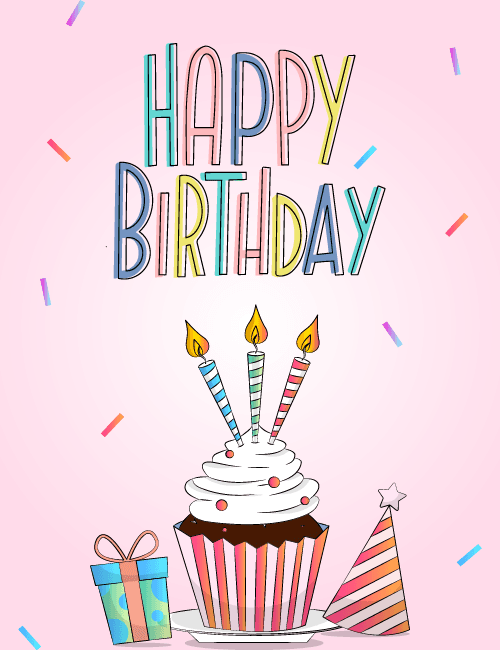
Hand-drawn "Happy Birthday" lettering in soft blue, pink, yellow, and mint sits at the top of a pale pink background, each letter outlined in thin dark linework that gives it a sketchbook feel.
Below it, a chocolate cupcake with a swirl of white frosting wears a striped wrapper in coral and pink, topped with three candles in blue, green, and red stripes, each with a small golden flame. A wrapped gift with a polka-dot pattern and a striped party hat with a star on top sit beside it, while little confetti pieces drift across the scene. It's a sweet, lighthearted birthday card for a friend, sister, coworker, or anyone who likes their celebrations cheerful and gentle. Send it online on the day, or pass it around so a group can sign it together. It's a small, happy way to say someone was thought of.
Browse all free group birthday cards online



Good to know
Frequently Asked Questions
Find answers to common questions about our group cards and services.