
congratulations to the beautiful couple wedding card
A free group wedding card — personalise it, invite everyone to sign, and deliver it by email or link.
Personalise your card
Takes about a minute. Nothing is sent until you're ready.
About this design
About the congratulations to the beautiful couple wedding card
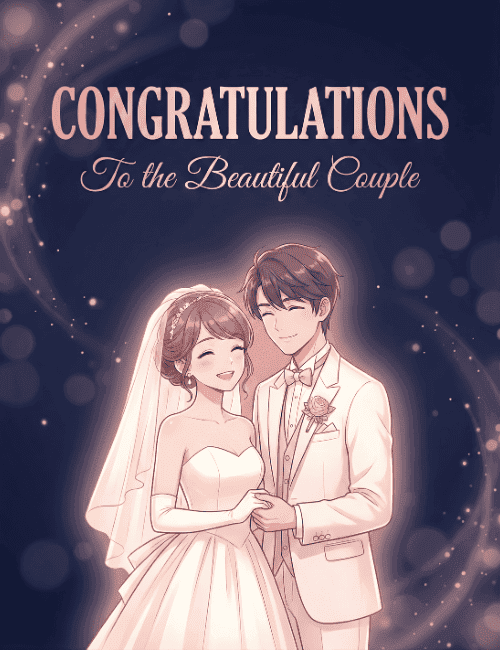
A deep midnight-navy background, scattered with soft glowing bokeh and faint swirls of light, sets off a bride and groom in this illustrated wedding card.
They stand close with eyes closed, laughing, her hand resting in his. She wears a strapless gown with a sheer veil and long gloves, and he wears a white suit with a small rose boutonniere and a bow tie. A warm pink glow surrounds them. Rose-gold capitals spell out "Congratulations," with "To the Beautiful Couple" in flowing script beneath. The mood is romantic and joyful, more evening celebration than formal announcement. It makes a lovely wedding congratulations card for friends, family, or coworkers, and it can be sent online or signed together as a group. A warm way to say you're thrilled for them.
Browse all wedding cards





Good to know
Frequently Asked Questions
Find answers to common questions about our group cards and services.