
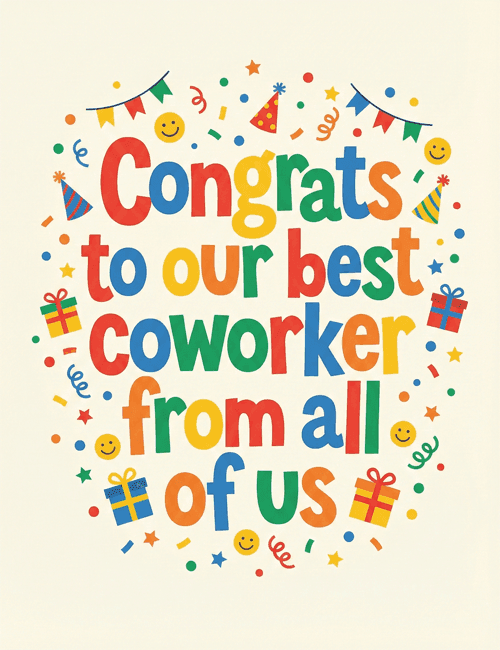
Congrats to our best coworker
A free group congratulation card — personalise it, invite everyone to sign, and deliver it by email or link.
Personalise your card
Takes about a minute. Nothing is sent until you're ready.
About this design
About the Congrats to our best coworker
Chunky, hand-cut-looking letters in red, blue, green, yellow, and orange spell out "Congrats to our best coworker from all of us" on a soft cream background.
Around the words, small smiley faces, party hats, wrapped gifts, bunting, curly streamers, and scattered confetti and stars fill the space without crowding the message. The mood is cheerful and a little goofy, the kind of card that gets a laugh and a grin at the same desk. It works as a congratulations card for a promotion, a work anniversary, a finished project, or a big win. Because the message is already written from "all of us," it's a natural pick to send online and have the whole team sign. It tells a colleague their effort was noticed and appreciated.
Browse all congratulation cardsNot quite right?
More congratulation cards


Good to know
Frequently Asked Questions
Find answers to common questions about our group cards and services.