
Congrats on Your Wedding – Luxury Style
A free group wedding card — personalise it, invite everyone to sign, and deliver it by email or link.
Personalise your card
Takes about a minute. Nothing is sent until you're ready.
About this design
About the Congrats on Your Wedding – Luxury Style
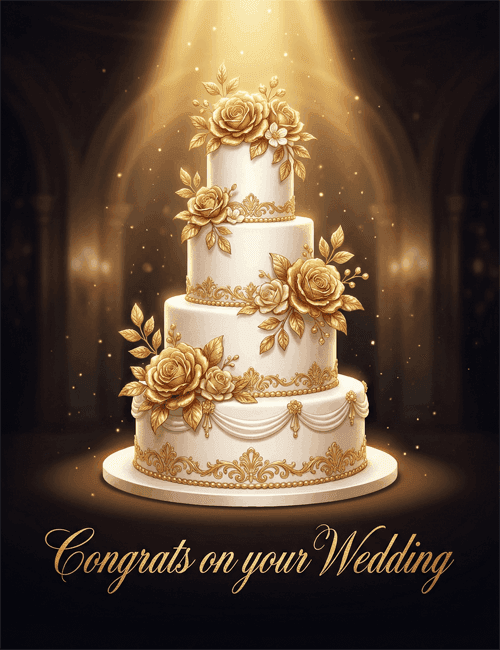
A four-tiered white wedding cake stands in a pool of golden light against a dark, softly glowing hall with arched columns behind it.
Gold roses and leaves climb the sides of the tiers, and gilded scrollwork wraps each layer, with soft draped icing near the base. Tiny sparkling specks drift through the beam above. Below, "Congrats on your Wedding" is written in a flowing gold script that matches the cake's trim. The mood is formal, warm and a little theatrical, like the moment a cake is first revealed at a reception. It makes a polished wedding card for a couple whose day felt grand, or for a coworker, relative or friend you want to honor with something elegant. Send it online or have a group sign it together. It's a graceful way to say you're celebrating them.
Browse all wedding cards





Good to know
Frequently Asked Questions
Find answers to common questions about our group cards and services.