
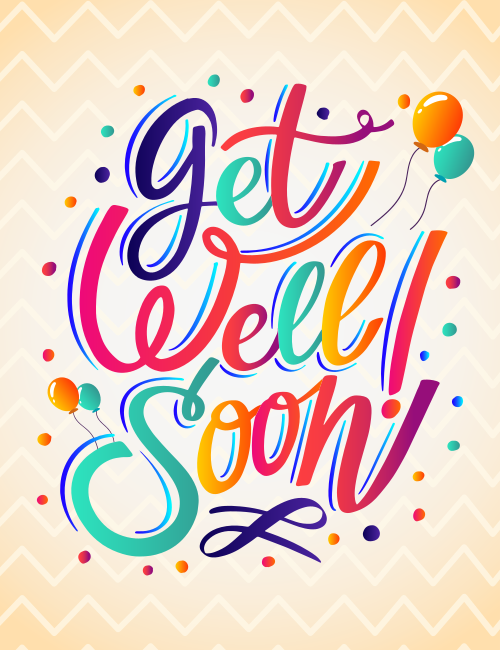
Colorful Get Well Soon Wishes Card
A free group get well soon card — personalise it, invite everyone to sign, and deliver it by email or link.
Personalise your card
Takes about a minute. Nothing is sent until you're ready.
About this design
About the Colorful Get Well Soon Wishes Card
Big, swirling hand-lettered words fill this get well soon card, each letter shaded in its own gradient of teal, hot pink, orange, deep purple and sunny yellow.
Thin blue outlines trail along the strokes, which gives the script a lively, almost bouncing rhythm. Two small pairs of balloons, one in the upper right and one in the lower left, float among scattered dots of confetti, all set against a soft peach background with a faint zigzag pattern. The mood is upbeat without being loud, more encouragement than pity. It suits a coworker home with the flu, a friend recovering from surgery, or a family member who could use a smile. Send it on its own or have a group sign it together. A bright note like this reminds someone they're being thought of while they rest.
Browse all group get well soon cardsNot quite right?
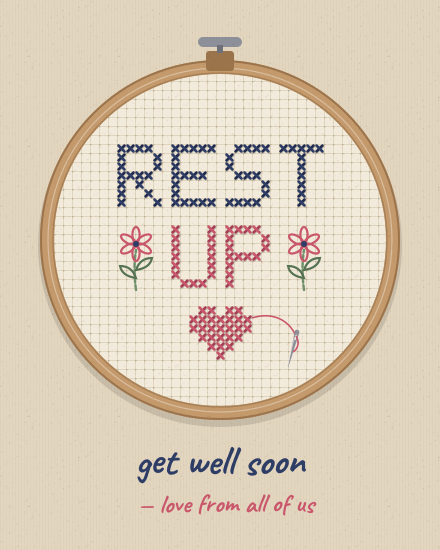
More group get well soon cards



Good to know
Frequently Asked Questions
Find answers to common questions about our group cards and services.