
A Little Card to Say a Very Big Thank You
A free group thank you card — personalise it, invite everyone to sign, and deliver it by email or link.
Personalise your card
Takes about a minute. Nothing is sent until you're ready.
About this design
About the A Little Card to Say a Very Big Thank You
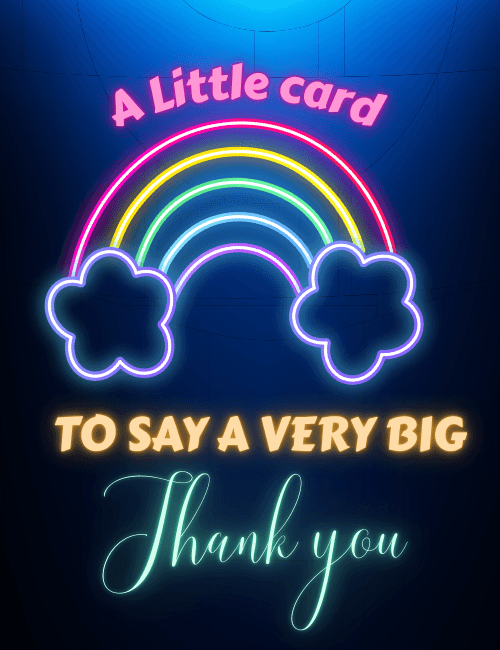
A glowing neon rainbow arcs across a deep midnight-blue background, its pink, yellow, green, blue, and violet tubes ending in two puffy outlined clouds on either side.
Above it, pink lettering reads "A Little card," while the bold orange capitals below finish the thought, "to say a very big," before a flowing mint-green script lands on "Thank you." The size contrast in the type is a nice touch, since the words get bigger and softer right as the gratitude arrives. It feels playful and bright, a little retro, and warm rather than formal. Send this thank you card to a coworker who covered for you, a friend who showed up, a teacher, or a neighbor. It also works as a group thank you ecard everyone can sign. A small, cheerful way to make someone's kindness feel noticed.
Browse all group thank you cards onlineNot quite right?
More group thank you cards online



Good to know
Frequently Asked Questions
Find answers to common questions about our group cards and services.